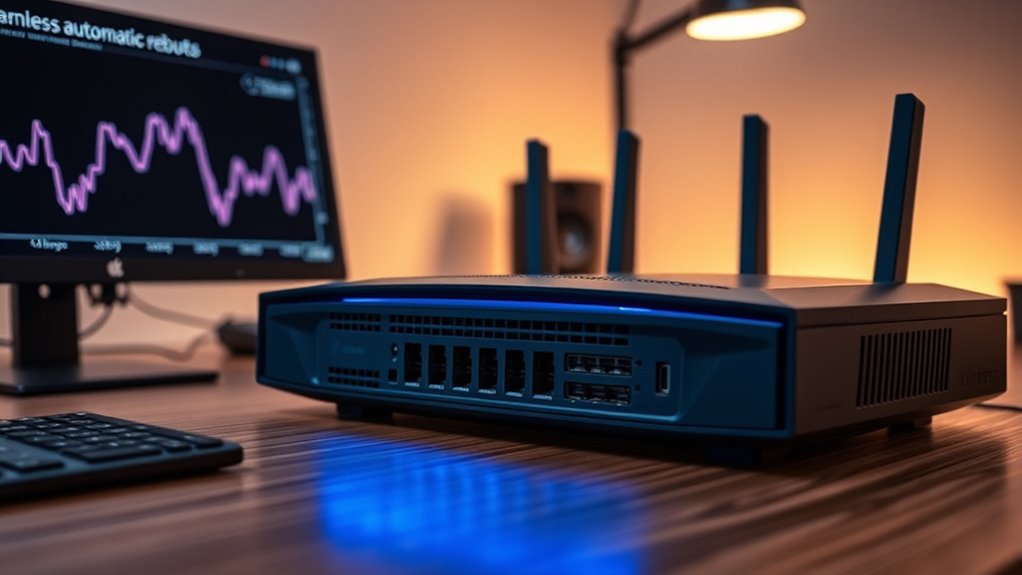

Automatic router reboots improve your network’s reliability by preventing memory leaks and fixing minor glitches before they cause bigger problems. Scheduling updates and restarts during off-peak hours keeps your connection stable and secure without disrupting your usage. Automated reboots also help apply firmware updates seamlessly, boosting overall performance. If you want to learn how to set up a reliable maintenance routine that keeps your network running smoothly, there’s more to discover ahead.
Key Takeaways
- Scheduled automatic reboots help prevent memory leaks and software glitches, maintaining router stability and reliability.
- Automating firmware updates reduces security vulnerabilities and ensures devices run the latest, most stable software.
- Regular power cycles during off-peak hours refresh system resources, minimizing unexpected crashes and downtime.
- Combining firmware updates with scheduled reboots proactively addresses potential issues before they affect users.
- Automation minimizes manual maintenance, ensuring consistent, reliable network performance with minimal user intervention.
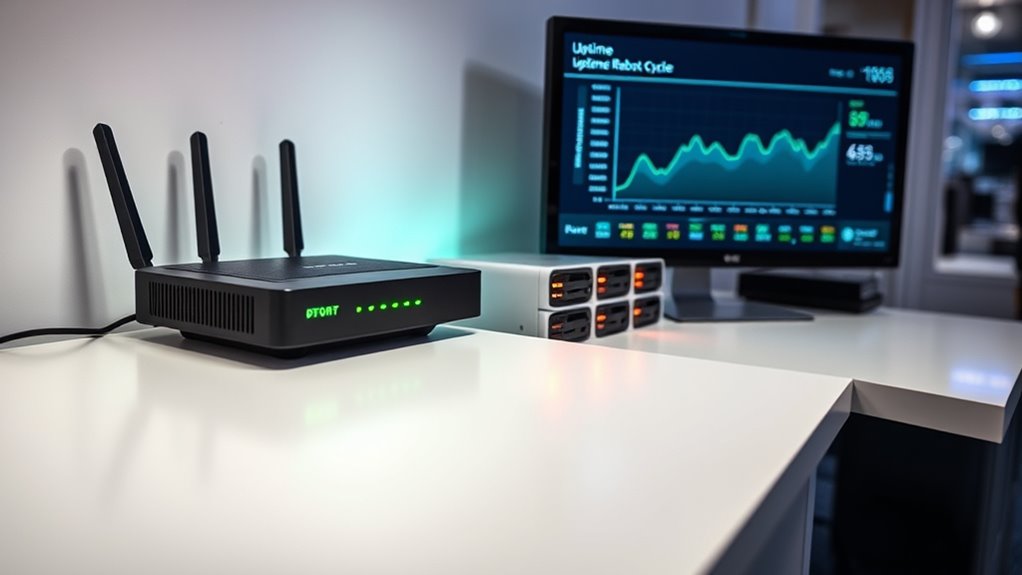
Router reboots are a common occurrence that can disrupt your internet connection and affect overall network reliability. While occasional reboots are normal, frequent or unexpected ones can hinder your online activities and leave you frustrated. To minimize these issues, understanding the role of firmware updates and implementing power cycle scheduling can make a substantial difference.
Firmware updates are essential for maintaining your router’s stability and security. Manufacturers release these updates to fix bugs, patch vulnerabilities, and improve performance. When your router runs outdated firmware, it may become prone to crashes or reboots, which compromise your network’s reliability. Automating firmware updates ensures your device stays current without requiring manual intervention. Many modern routers support scheduled updates or notifications that prompt you to install the latest firmware, helping prevent unexpected reboots caused by software glitches. Keeping firmware updated not only enhances stability but also provides better compatibility with new devices and technologies, ensuring a smoother network experience. Additionally, security vulnerabilities in outdated firmware can expose your network to cyber threats, emphasizing the importance of timely updates.
Power cycle scheduling is another effective strategy to improve reliability. It involves setting your router to reboot at specific times, often during off-peak hours, to clear memory, reset connections, and refresh the system. By implementing a regular power cycle schedule, you prevent accumulated errors or memory leaks that could lead to instability. Many routers allow you to automate this process through built-in features or third-party management tools. Scheduled reboots can also help in applying firmware updates seamlessly, reducing the risk of interruptions during active use. Establishing a consistent reboot routine ensures your router remains responsive and minimizes unexpected downtime, especially during critical periods like work hours or streaming sessions.
Combining firmware updates with power cycle scheduling creates a proactive approach to maintaining your network’s reliability. Regularly updating your firmware ensures your router benefits from the latest fixes, while scheduled reboots prevent minor issues from escalating into major outages. It’s a simple yet effective way to keep your internet connection steady and reliable. Remember, the key is automation—set it once and let these routines run in the background, so you don’t have to worry about manual interventions or forgotten maintenance tasks. Over time, you’ll notice fewer disruptions, improved stability, and a more consistent online experience.
Ultimately, taking control of your router’s maintenance routines by leveraging firmware updates and power cycle scheduling can considerably boost your network’s dependability. It’s about staying ahead of potential issues rather than reacting to them after they occur. By automating these processes, you ensure a smoother, more reliable connection that supports your daily online needs without interruption.

Keep Connect Router Wi-Fi Reset Device. Automatic Router Rebooter. If You Enter a Phone Number it Will Send Texts Upon resets.
Automatic Router Rebooter – Stop manually rebooting your router and let Keep Connect automate the process. Keep Connect…
As an affiliate, we earn on qualifying purchases.
As an affiliate, we earn on qualifying purchases.
Frequently Asked Questions
Can Automatic Reboots Improve Overall Network Security?
Yes, automatic reboots can improve your network security by ensuring firmware updates and security patches are applied promptly. When your router reboots automatically, it often installs the latest updates, fixing vulnerabilities that hackers could exploit. This process minimizes security risks, keeps your network protected, and reduces manual maintenance. Regular automatic reboots make your network more resilient, ensuring your security measures stay current without requiring your constant intervention.
How Do Automatic Reboots Affect Device Battery Life?
Imagine your device as a busy traveler. Automatic reboots can cause some battery drain, like a traveler stopping to refuel, but they often boost device longevity by preventing overheating and software glitches. While you might notice a slight decrease in battery life, overall, these reboots help keep your device running smoothly longer, reducing the risk of crashes or failures that could shorten its lifespan.
Are There Risks of Data Loss During Automatic Reboots?
Yes, there is a risk of data loss during automatic reboots, especially if firmware updates are ongoing or unsaved data is present. During reboot, your network experiences downtime, which can interrupt data transfers or cause temporary disconnections. To minimize risks, confirm all important data is saved before updates and schedule reboots during off-peak hours. Proper planning helps keep your network reliable and prevents potential data loss.
Can Users Customize Reboot Schedules for Specific Devices?
Yes, you can customize reboot schedules for specific devices using device scheduling features in the user interface. Most modern routers allow you to set different times for each device to reboot automatically, giving you control over network stability and maintenance. Simply access the user interface, navigate to the device management or scheduling section, and specify the reboot times for individual devices. This helps optimize your network’s performance and security.
Do Automatic Reboots Comply With Enterprise IT Policies?
Yes, automatic reboots can comply with enterprise standards and policy compliance. You should configure reboot schedules carefully to align with your organization’s policies, ensuring minimal disruption. By implementing controlled reboot timings and logging activities, you maintain compliance and reliability. Always review your enterprise IT policies before setting up automatic reboots, so your network remains secure and compliant with industry standards.

TP-Link Deco 7 BE23 Dual-Band BE3600 WiFi 7 Mesh Wi-Fi Router | 4-Stream 3.6 Gbps,160 Mhz | Covers up to 2,500 Sq.Ft | 2× 2.5G Ports Wired Backhaul | VPN, MLO, HomeShield, Free Expert Help, 1-Pack
𝐍𝐞𝐱𝐭-𝐆𝐞𝐧 𝐖𝐢-𝐅𝐢 𝟕 𝐰𝐢𝐭𝐡 𝟒-𝐒𝐭𝐫𝐞𝐚𝐦 𝐃𝐮𝐚𝐥-𝐁𝐚𝐧𝐝 𝐮𝐩 𝐭𝐨 𝟑.𝟔 𝐆?𝐩𝐬 – Designed with the latest Wi-Fi 7 technology,…
As an affiliate, we earn on qualifying purchases.
As an affiliate, we earn on qualifying purchases.
Conclusion
Just as Icarus learned when flying too close to the sun, relying on automatic reboots isn’t foolproof. While they can boost your router’s reliability, they also remind us that even the best systems have limits. By understanding these boundaries and proactively maintaining your network, you can avoid the pitfalls of overconfidence. Ultimately, embracing a balanced approach helps guarantee your connection remains steady, much like the steady hand that guides a ship through turbulent seas.

Techbee Digital Infinite Repeat Cycle Intermittent Timer Plug for Electrical Outlet, 24 Hour Programmable Indoor Timed Power Switch with Countdown Delay On and Off (120V, 15A), 1 pack
Multifunctional: thanks to its 3-in-1 design, this timer can do daily on-off timer, countdown and turn on/off timer,…
As an affiliate, we earn on qualifying purchases.
As an affiliate, we earn on qualifying purchases.
Keep Connect Router Wi-Fi Reset Device. Automatic Router Rebooter. If You Enter a Phone Number it Will Send Texts Upon resets.
Automatic Router Rebooter – Stop manually rebooting your router and let Keep Connect automate the process. Keep Connect…
As an affiliate, we earn on qualifying purchases.
As an affiliate, we earn on qualifying purchases.