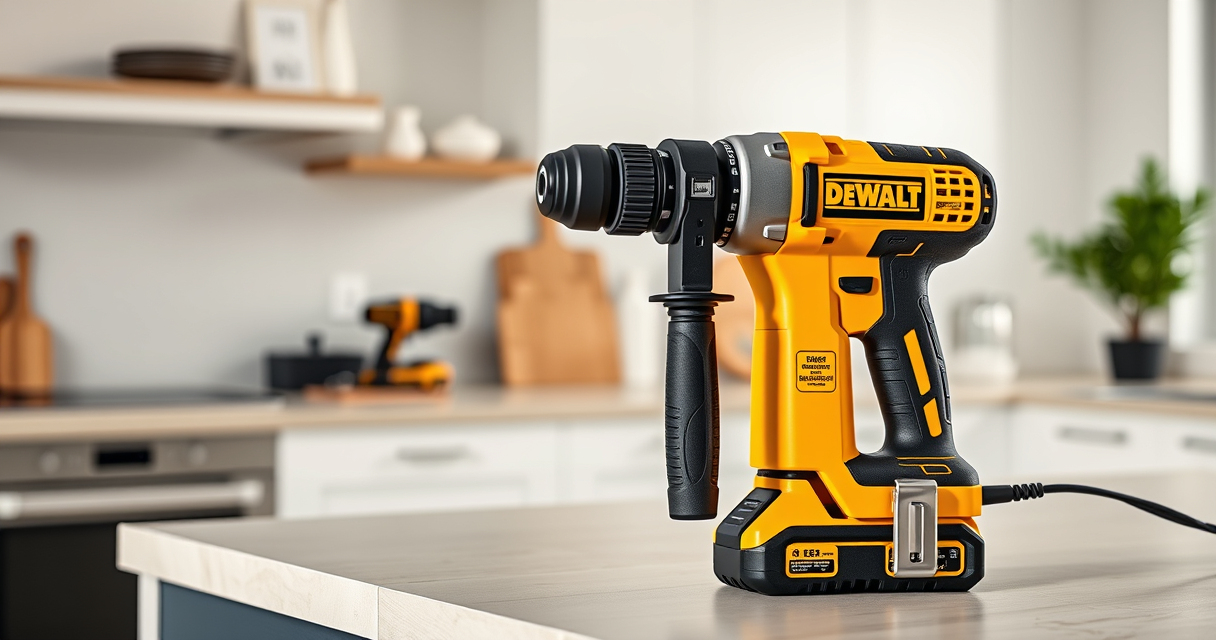

The DEWALT 20V MAX Cordless Drill Driver Set is a versatile and powerful tool, but like any equipment, it may encounter issues over time. Proper troubleshooting and maintenance are essential to ensure optimal performance and longevity. This guide provides practical, step-by-step instructions to help you diagnose common problems, perform routine care, and keep your drill operating smoothly.

Get garden gear delivered free with Prime
- Fast, free delivery on millions of items
- Prime Video, Amazon Music and more included
- Member-only deals all year
Whether you’re a professional or a DIY enthusiast, understanding how to troubleshoot and maintain your DEWALT drill will save you time and money, and help prevent unexpected breakdowns. Let’s get started with what you need to know to keep your tool in peak condition.
Key Takeaways
| Battery Care | Proper battery maintenance maximizes runtime and lifespan. |
| Troubleshooting Power Issues | Identify common electrical or mechanical faults quickly. |
| Routine Maintenance | Regular cleaning and lubrication extend tool life. |
| Common Problems | Addressing overheating, chuck issues, or LED problems effectively. |
| Safety Tips | Always disconnect power before performing maintenance. |
Preparing for Troubleshooting and Maintenance
Before starting any troubleshooting or maintenance, ensure your drill is turned off and disconnected from the battery. Use the proper tools, such as screwdrivers or cleaning brushes, and work in a clean, well-lit area. Familiarize yourself with the components of your DEWALT drill, including the battery, chuck, motor, LED light, and trigger. Having the user manual on hand can help clarify specific parts and procedures.
Gather necessary supplies like a cleaning cloth, lubricant recommended by DEWALT, and replacement parts if needed. Always wear safety glasses to protect your eyes from debris or accidental splashes of lubricant. Regularly inspecting your drill before use can prevent many issues and extend its lifespan.
Step-by-Step Troubleshooting
- Power Not Turning On: Check if the battery is fully charged. Remove the battery and re-insert it securely. Test the battery on another compatible DEWALT tool if available. If the problem persists, inspect the trigger switch for damage or debris. Clean with a dry cloth or contact a professional if faulty.
- Battery Not Charging: Ensure the charger is plugged in correctly. Try charging with a different compatible charger. Examine the battery contacts for dirt or corrosion; clean gently with a dry cloth. If the battery remains uncharged after several hours, consider replacing it.
- Chuck Spins or Slips: Turn off the drill and remove the battery. Use a wrench to tighten the chuck if it’s loose. Check for debris inside the chuck and clean with a brush. If the chuck is damaged or worn, replace it with a compatible part.
- Overheating or Excessive Heat: Allow the drill to cool down if it feels hot. Avoid continuous use without breaks. Check the motor vents for dust or debris and clean gently. If overheating persists, the motor or brushes may need inspection or replacement by a professional.
- LED Light Not Working: Test the trigger. If the LED remains unlit despite pressing the trigger, inspect the LED housing and connections. Replace the LED if damaged or faulty.
Routine Maintenance Tips
- Cleaning: Regularly wipe the exterior with a damp cloth. Avoid using harsh chemicals. Clear dust and debris from the vents and motor area.
- Lubrication: Apply a few drops of DEWALT-approved lubricant to the chuck and moving parts to ensure smooth operation. Do this periodically based on usage frequency.
- Battery Care: Store batteries in a cool, dry place. Avoid leaving batteries fully discharged for extended periods. Charge batteries before use, not after they are completely drained.
- Storage: Keep your drill and batteries in a protective case or designated storage area. Remove the battery if the tool will be unused for a long period.
- Inspection: Regularly check for signs of wear, cracks, or damage. Replace worn parts promptly to prevent further issues.
Following these routine practices will help maintain your DEWALT drill’s performance and safety.
Safety and Precautionary Tips
Always disconnect the battery before performing any maintenance or troubleshooting to prevent accidental activation. Wear safety glasses to protect your eyes from dust or debris. Use the correct tools and avoid forcing parts during repairs. Follow manufacturer instructions for replacing parts or lubricating components. If unsure about any repair, consult a professional or authorized service center. Proper safety measures will help you avoid injury and keep your tool functioning reliably.
When to Seek Professional Help
If troubleshooting steps do not resolve the issue, or if you notice signs of internal damage, burning smells, or abnormal noise, it’s best to contact a certified DEWALT repair technician. Do not attempt complex repairs beyond your skill level, as this could void warranty or cause further damage. Regular professional servicing can help prolong your drill’s lifespan and ensure safety.
The Products in This Guide

DEWALT 20V MAX Cordless Drill Driver Set
- ✔ Run Time: Extended with brushless motor
- ✔ Design: Compact, lightweight
- ✔ Lighting: LED for visibility

DEWALT Drill Bit Set
- ✔ Material: High-Speed Steel
- ✔ Tip Design: Split point
- ✔ Coating: Rust-resistant
DEWALT 20V MAX Cordless Drill Driver Set
The DEWALT 20V MAX Cordless Drill Driver Set is a reliable, powerful tool equipped with a brushless motor for longer run time and durability. Regular maintenance and troubleshooting can keep it operating efficiently for years to come.
Pros:
- Brushless motor for longer run time
- Compact and lightweight design
- LED light for visibility
- 2-speed transmission
- Includes battery and charger
Cons:
- Battery life may vary with heavy use
- Chuck can sometimes loosen
- LED light may fail over time
Best for: General-purpose drilling, fastening, and DIY projects
Not ideal for: Heavy industrial use or continuous professional applications
Bottom line: A versatile, durable drill ideal for home and light professional use.
DEWALT Drill Bit Set
Pair your DEWALT drill with this 14-piece drill bit set featuring durable high-speed steel and a split point tip for reduced walking, making it ideal for various materials.
Pros:
- Durable high-speed steel
- Split point reduces walking
- Color-coded for easy identification
- Suitable for multiple materials
Cons:
- Limited to standard sizes
- Not for heavy-duty industrial tasks
- Requires proper storage to prevent damage
Best for: General drilling in plastic, wood, and metal
Not ideal for: Heavy industrial or high-precision applications
Bottom line: A reliable drill bit set for versatile home and professional projects.
Frequently Asked Questions
How do I charge my DEWALT drill battery properly?
Use the original DEWALT charger, connect it securely to a power outlet, and insert the battery until the charging indicator shows full charge. Avoid overcharging by unplugging once the battery is fully charged.
What should I do if my drill stops working suddenly?
First, check if the battery is charged and properly inserted. Inspect the trigger switch and connections. If the issue persists, test the battery on another tool or replace the battery if needed.
Can I use different batteries with my DEWALT drill?
Yes, as long as they are compatible with the 20V MAX system, such as the DEWALT 5 Ah or 2.0 Ah batteries. Always verify compatibility before use.
How often should I lubricate the chuck and moving parts?
Lubricate the chuck and moving parts every few months or after heavy use with DEWALT-approved lubricant to ensure smooth operation.
What safety precautions should I follow during maintenance?
Always disconnect the battery before any maintenance, wear safety glasses, work in a clean area, and handle parts carefully to avoid injury.
Keeping Your DEWALT Drill in Prime Condition
Regular troubleshooting and maintenance are key to ensuring your DEWALT 20V MAX Cordless Drill remains reliable and efficient. By following the steps outlined in this guide, you can diagnose common issues, perform routine care, and extend the life of your tool. Remember, safety always comes first—disconnect the battery before any repairs, and consult professionals when needed. With proper care, your DEWALT drill will serve you well for many projects to come.
Affiliate disclosure: As an Amazon Associate we earn from qualifying purchases. Prices and availability are accurate as of the time of publishing.
Fall yard work Picks

Halloween Inflatable Haunted House Maze – 20×20 ft with Removable Roof and Blower
As an affiliate, we earn on qualifying purchases.