If your DEWALT battery isn’t charging, it can halt your projects and cause frustration. This guide provides practical, safe steps to identify and fix charging problems for your DEWALT cordless tools, especially the 20V MAX system.
Follow these troubleshooting steps carefully to ensure safe and effective repairs, and keep your tools ready for action.
Key Takeaways
| Battery Age & Usage | Older or heavily used batteries may lose charging capacity. |
| Charger Compatibility & Condition | Use original chargers and check for damage or dirt. |
| Connections & Contacts | Dirty or loose contacts prevent proper charging. |
| Temperature & Environment | Charge in a cool, dry place to avoid overheating. |
| Battery & Charger Indicators | Use LED indicators to diagnose power status. |

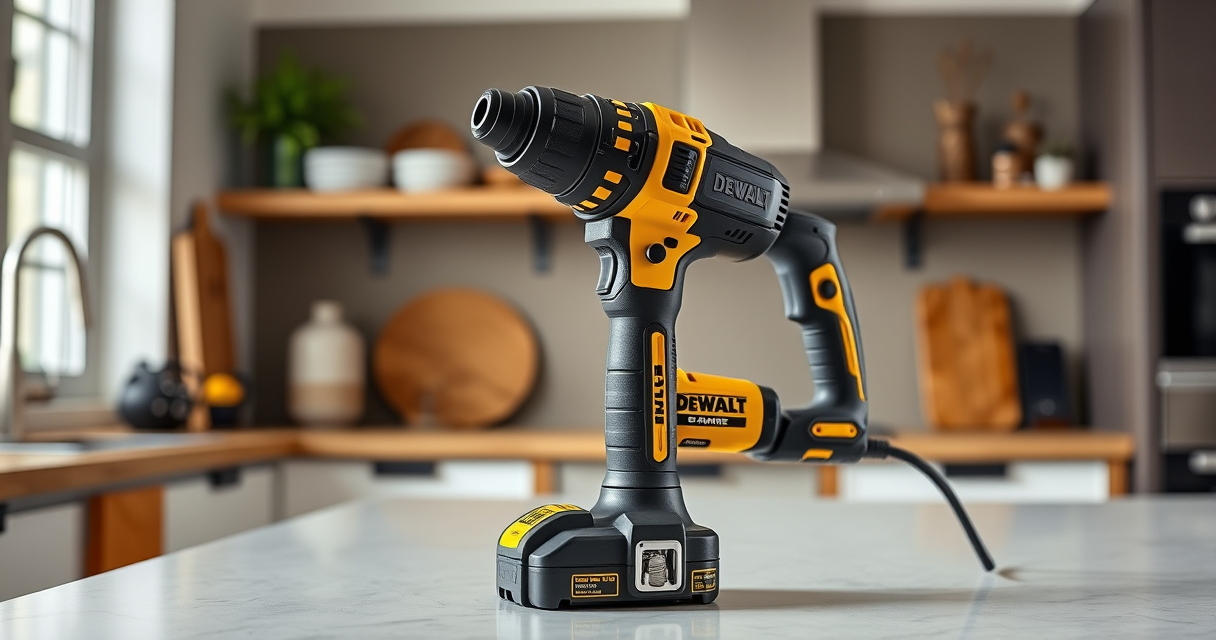
DEWALT 20V MAX Cordless Drill Driver Set, Electric Drill, Brushless 1/2 In 2 Speed, 2.0 Ah Battery and Charger Included, LED Light (DCD777D1)
DEWALT Power drill brushless motor delivers more run time over brushed
As an affiliate, we earn on qualifying purchases.
Check the Charger and Power Source
- Ensure the charger is plugged into a working outlet. Test with another device if needed.
- Inspect the charger’s power cord for damage or fraying.
- Verify the charger’s LED indicator is lit or blinking as per the manual.

DEWALT Drill Bit Set, 3-Flats Shank,14-Piece, 135 Degree Split Point, for Plastic, Wood and Metal (DWA1184)
135 Degree Split point tip design to help reduce walking
As an affiliate, we earn on qualifying purchases.
Inspect the Battery and Contacts
- Remove the battery from the tool and charger.
- Clean the battery contacts with a dry cloth or a soft brush to remove dirt or corrosion.
- Check for any visible damage or swelling on the battery.
Ensure Proper Connection & Environment
Insert the battery fully into the charger, ensuring it clicks into place. Make sure the environment is cool and dry, ideally between 50-86°F (10-30°C).
Test with a Known Good Battery or Charger
- If available, try charging a different compatible DEWALT battery or use a different charger.
- If the replacement charges normally, your original battery or charger may be faulty.
Additional Troubleshooting Tips
- Allow the battery and charger to cool down if overheated; wait 30 minutes before retrying.
- Check the LED indicators on both the battery and charger for error codes or status signals.
- If the battery is old or not holding a charge, replacing it may be the best solution.
The Products in This Guide

DEWALT 20V MAX Cordless Drill Driver Set
- ✔ Length: 7.6 inches
- ✔ Weight: 3.4 lbs
- ✔ Warranty: 3 years

DEWALT Drill Bit Set
- ✔ Weight: 0.5 lbs
- ✔ Length: 3-4 inches
- ✔ Compatibility: All 3/8-inch chucks
DEWALT 20V MAX Cordless Drill Driver Set
This DEWALT drill set features a brushless motor, compact design, and included 2.0 Ah battery and charger. It’s a versatile tool suitable for many tasks, but battery charging issues can arise over time.
Pros:
- Brushless motor for longer runtime
- Compact and lightweight design
- Includes battery and charger
- Ergonomic handle for comfort
Cons:
- Battery aging can reduce charge capacity
- Charger may need replacement over time
Best for: General-purpose drilling and fastening in tight spaces
Not ideal for: Heavy-duty industrial applications requiring high-capacity batteries
Bottom line: A dependable cordless drill ideal for most DIY projects, with troubleshooting tips for charging issues.
DEWALT Drill Bit Set
Pair your DEWALT drill with this 14-piece drill bit set featuring split points and high-speed steel for durability and precision in various materials.
Pros:
- Corrosion-resistant coating
- Tapered web for strength
- Easy size identification
- Fits all standard drills
Cons:
- Not suitable for heavy industrial use
- Limited size range
Best for: Drilling in plastic, wood, and metal
Not ideal for: Heavy-duty masonry work
Bottom line: A versatile drill bit set that enhances your drilling efficiency across various materials.
Frequently Asked Questions
Why isn’t my DEWALT battery charging?
Common reasons include a faulty charger, dirty contacts, battery age or damage, or environmental factors like temperature. Follow troubleshooting steps to identify the cause.
How can I tell if my battery is dead?
If the battery does not show any LED activity when placed in the charger or fails to charge after multiple attempts, it may be at the end of its life and need replacing.
Can I leave my battery on the charger indefinitely?
It’s safe to leave it for short periods, but for optimal battery health, avoid leaving batteries on the charger for extended periods. Remove once fully charged.
What environmental conditions affect charging?
Charging in very hot or cold environments can impair battery performance and safety. Always charge in a temperature range of 50-86°F (10-30°C).
Keep Your DEWALT Power Ready with Proper Charging
Regularly inspecting your charger, battery contacts, and environment can prevent many charging issues. Replace old or damaged batteries promptly to maintain optimal tool performance. Following these steps ensures your DEWALT tools stay powered and ready whenever you need them.
Affiliate disclosure: As an Amazon Associate we earn from qualifying purchases. Prices and availability are accurate as of the time of publishing.