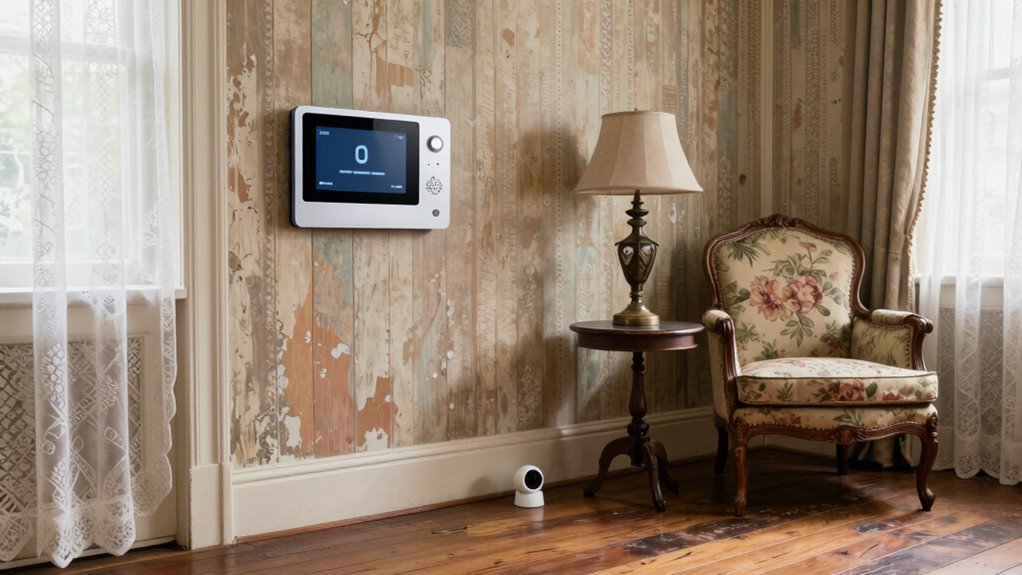

Before adding smart tech to an older home, you need to check your wiring and electrical capacity, as outdated wiring can be unsafe or incompatible. Structural quirks like wall materials may affect installation and Wi-Fi signals. Upgrading your electrical system might be necessary for safety and reliability. Working with an electrician can guarantee everything is done correctly. If you want to learn how to address these issues and make your home smarter, there’s more to explore.
Listen free for 30 days with Audible
Thousands of audiobooks and originals — cancel anytime.
As an affiliate, we earn on qualifying purchases.
Key Takeaways
- Assess and upgrade outdated electrical systems to handle the power demands of modern smart devices safely.
- Understand wall materials and wiring limitations to ensure proper device mounting and reliable signal strength.
- Verify device compatibility with existing Wi-Fi, network infrastructure, and consider mesh or signal boosters for better coverage.
- Prioritize security by updating firmware, using strong passwords, enabling two-factor authentication, and setting up network segmentation.
- Consult professionals for electrical upgrades, wiring inspections, and integrating vintage fixtures safely with modern smart technology.
As an affiliate, we earn on qualifying purchases.
Why Older Homes Present Unique Challenges for Smart Home Setup
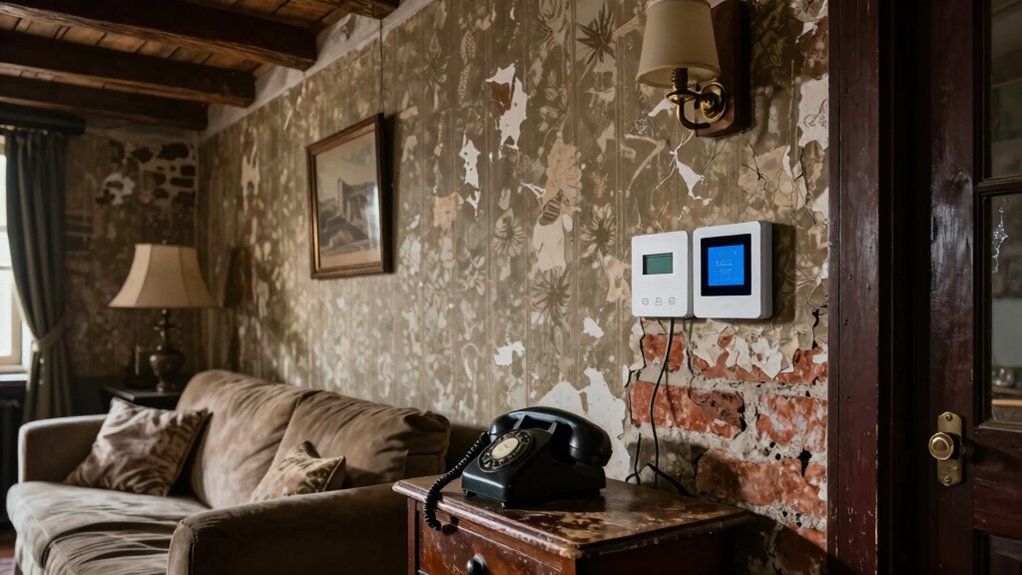
Older homes often pose unique challenges for smart home setup because their electrical systems and infrastructure weren’t designed to support modern technology. You need to balance upgrading for functionality with preserving historical features, which can complicate wiring and installation. Many older homes have delicate, non-standard wiring that requires careful handling to avoid damaging the structure or compromising historical preservation efforts. Additionally, integrating smart devices without disrupting the home’s aesthetic is vital. You might want to hide wires or select discreet, vintage-style hardware to maintain the home’s charm. These challenges demand thoughtful planning, ensuring your smart tech enhances your space without sacrificing its character or integrity. Recognizing these factors early helps you create a seamless blend of modern convenience and historical preservation. Proper home wiring assessment is crucial to prevent future issues and ensure safe installation. Consulting with a specialist in historical homes can also help navigate the complexities of modern upgrades while maintaining the home’s integrity. Being aware of electrical system limitations can save you time and resources during your upgrade process, especially when considering traditional wiring methods and their compatibility with new technology. Additionally, understanding the electrical code requirements for older homes can prevent costly violations and ensure compliance during installation.
How to Check Your Home’s Wiring and Power Capacity
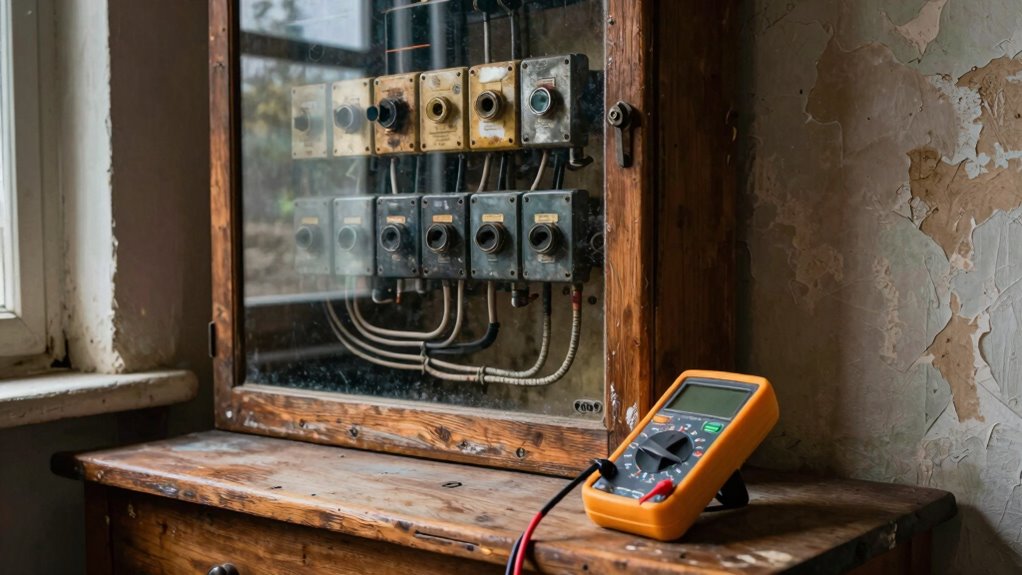
Before installing smart devices, it’s important to understand your home’s electrical system. Check your wiring and power capacity to guarantee your home can handle new home automation features. Start by inspecting your breaker box for outdated or overloaded circuits. If you notice frequent trips or buzzing breakers, it’s time to consult an electrician. Test your outlets with a voltage tester to confirm they’re delivering consistent power. Older homes often have limited capacity, which can hinder energy efficiency and smart tech performance. Upgrading your wiring or adding dedicated circuits may be necessary to support multiple devices. Knowing your home’s electrical limits helps prevent overloads and assures your smart tech functions smoothly, making your home more energy-efficient and reliable. Additionally, understanding the projector contrast ratio can help optimize your home entertainment setup for better viewing experiences. To ensure your home’s wiring can support various smart tech devices, consider consulting guidance on electrical upgrades for older homes and full audit trails, RBAC, and security scanning. It’s also beneficial to familiarize yourself with home electrical safety standards to ensure all upgrades are compliant and safe. Being aware of electrical capacity can help you plan effectively for future technology additions.
Identifying Structural Quirks That Affect Smart Device Installation

Before installing smart devices, you need to check your walls for thickness and material, as these can influence signal strength and mounting options. You should also examine existing wiring conditions to guarantee compatibility and safety. Recognizing these structural quirks now can save you headaches later during setup.
Wall Thickness and Material
When installing smart devices in older homes, understanding wall thickness and material is essential, as these factors directly impact the ease and success of your setup. The wall material, whether plaster, drywall, or brick, determines the best mounting methods and whether additional tools are needed. The type of wall can also influence the installation process and the suitability of different mounting options. Thicker walls, common in older homes, may require longer screws or special anchors to secure devices properly. Insulation thickness can also influence signal strength, especially for Wi-Fi or Zigbee devices, as dense insulation can weaken signals passing through walls. Knowing the specific wall material helps you choose compatible mounting hardware, while understanding wall thickness and insulation guarantees your smart tech is installed securely and functions reliably without interference. Additionally, considering solar power system safety and proper placement can help prevent issues related to structural quirks and ensure optimal device performance. Being aware of wall composition can further aid in planning for future upgrades or modifications. Recognizing structural quirks early on can also facilitate smoother installation and reduce the risk of damage during setup.
Existing Wiring Conditions
Understanding the existing wiring in your home is essential because it directly impacts how you install and troubleshoot smart devices. Older homes often feature vintage fixtures and decorative switches that may not support modern technology. These vintage fixtures might lack the necessary wiring or grounding for smart devices, making installation tricky. Decorative switches, while charming, can hide outdated wiring or wiring configurations that aren’t compatible with current smart home standards. Before proceeding, inspect your wiring carefully. Look for signs of wear, outdated insulation, or non-standard wiring setups. If you encounter vintage fixtures or decorative switches, consider consulting an electrician. Upgrading these elements guarantees your smart tech functions safely and reliably, preventing future issues caused by incompatible wiring conditions.
How to Choose Smart Devices Compatible With Older Homes
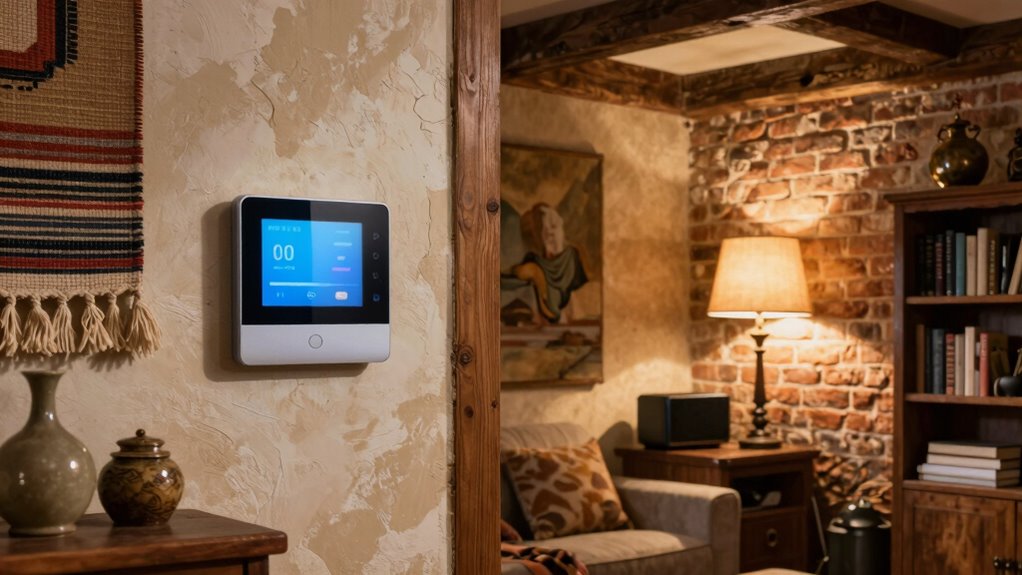
When selecting smart devices for your older home, it’s vital to take into account wiring compatibility, as many systems may rely on outdated electrical setups. Wireless connectivity options, like Wi-Fi or Zigbee, can offer easier installation without rewiring, but you’ll want to make certain your network can handle the added devices. Evaluating both wiring and connectivity options helps you choose smart devices that fit seamlessly into your home’s existing infrastructure. Additionally, understanding the types of skincare products with glycolic acid available can serve as a useful analogy for ensuring compatibility and optimal performance when integrating new technology into an older home. Recognizing the importance of synthetic lubricants can help you ensure your smart home systems operate reliably and last longer, just like well-chosen performance fluids improve machinery longevity. It’s also beneficial to consider lightweight and compatible devices to prevent overloads on your electrical system, which can be especially crucial in homes with older wiring.
Wiring Compatibility Considerations
Older homes often have wiring systems that differ markedly from modern standards, so it’s vital to evaluate their compatibility before installing smart devices. Vintage fixtures and antique wiring may not support advanced tech, risking damage or malfunction. You should inspect electrical panels and wiring types to guarantee safety and compatibility. Upgrading wiring or adding adapters might be necessary.
| Wiring Type | Compatibility Tips | Potential Upgrades |
|---|---|---|
| Vintage fixtures | Check for grounding and amperage limits | Replacing with modern fixtures |
| Antique wiring | Inspect insulation and connections | Rewiring for safety and capacity |
| Modern wiring | Usually compatible, but confirm amperage | No upgrade needed |
| Aluminum wiring | Use special connectors to prevent corrosion | Rewire or retrofit if needed |
| Knob-and-tube wiring | Often outdated, consider replacement | Complete rewiring recommended |
Wireless Connectivity Options
Selecting wireless connectivity options for your older home requires careful consideration of the existing infrastructure. Many older homes may not support modern wireless protocols like Wi-Fi 6 or mesh networks, which offer better coverage and speed. To guarantee reliable connections, you might need to install signal boosters or range extenders, especially in areas with thick walls or multiple floors. Check the compatibility of smart devices with your current Wi-Fi setup before purchasing. Upgrading your router or adding a mesh network can improve signal strength and reduce dead zones. Remember, choosing devices that support multiple wireless protocols can provide flexibility and future-proofing. Proper planning and upgrades will help you create a seamless smart home experience, even in an older property. Understanding wireless protocols is essential for making informed choices about connectivity options. Additionally, understanding network security considerations can help protect your connected devices and personal data.
What Electrical Upgrades Might Your Old Home Need?
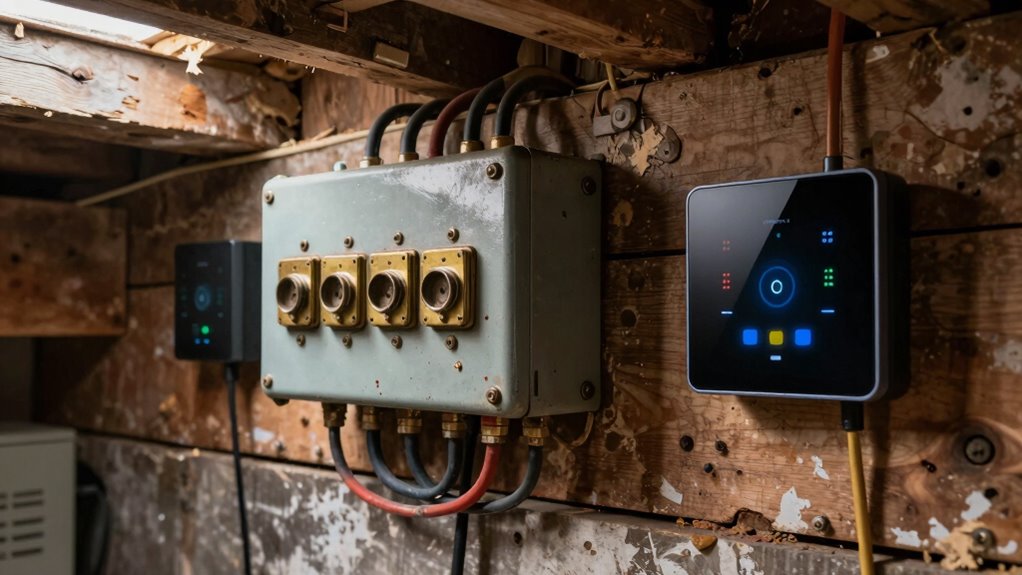
If your home is more than a few decades old, it might be time to contemplate electrical upgrades to guarantee safety and efficiency. Older wiring and outdated panels can pose fire hazards and limit your ability to implement home automation. Upgrading your electrical system ensures your home can handle the increased power demands of smart tech devices. Consider installing a modern circuit breaker panel that supports additional circuits and improved safety features. Upgrading wiring and outlets can also boost energy efficiency by reducing power waste. These improvements not only protect your home but provide a solid foundation for future smart home integrations. Making certain your electrical system is up-to-date makes adding smart tech smoother and safer, giving you peace of mind and a more efficient, connected home. Electrical system upgrades can also ensure your home remains compatible with emerging smart technologies, especially as older wiring continues to age and degrade rapidly.
Ensuring Your Wi-Fi Supports Your Smart Home Devices
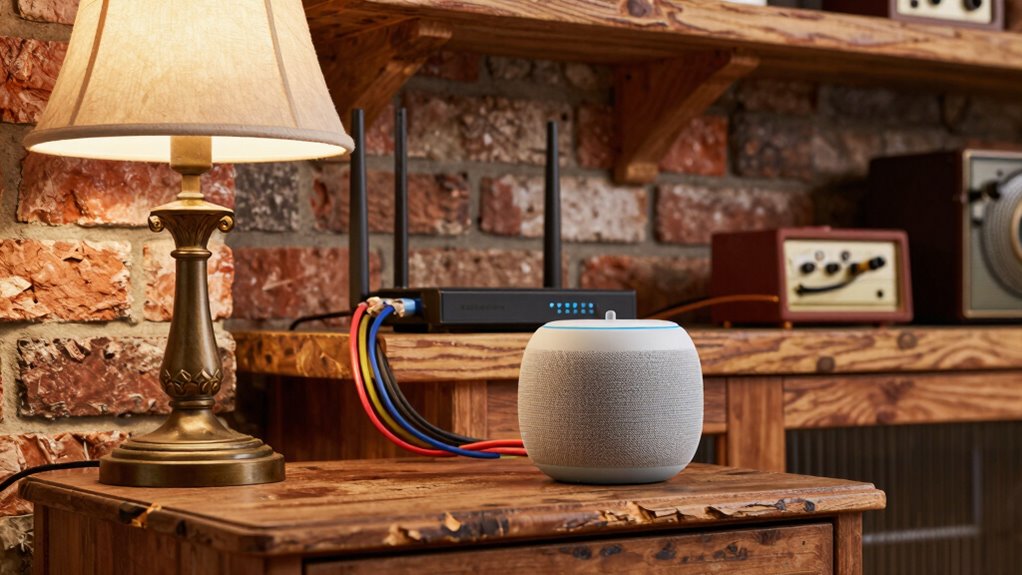
A strong and stable Wi-Fi connection is essential for your smart home devices to function reliably. Without it, devices may lag, disconnect, or underperform. To support your smart device aesthetics and user interface design, guarantee your network can handle multiple devices simultaneously. Upgrade your router if necessary, and consider a mesh Wi-Fi system for broader coverage. Position your router centrally, away from interference sources.
| Signal Strength | Smart Device Reliability |
|---|---|
| Weak | Frequent disconnects |
| Strong | Seamless operation |
| Overloaded | Slow response |
| Prime | Smooth user interface |
Proper Wi-Fi support creates a cohesive smart home experience, letting you enjoy sleek aesthetics and intuitive controls.
Troubleshooting Common Smart Device Connectivity Issues
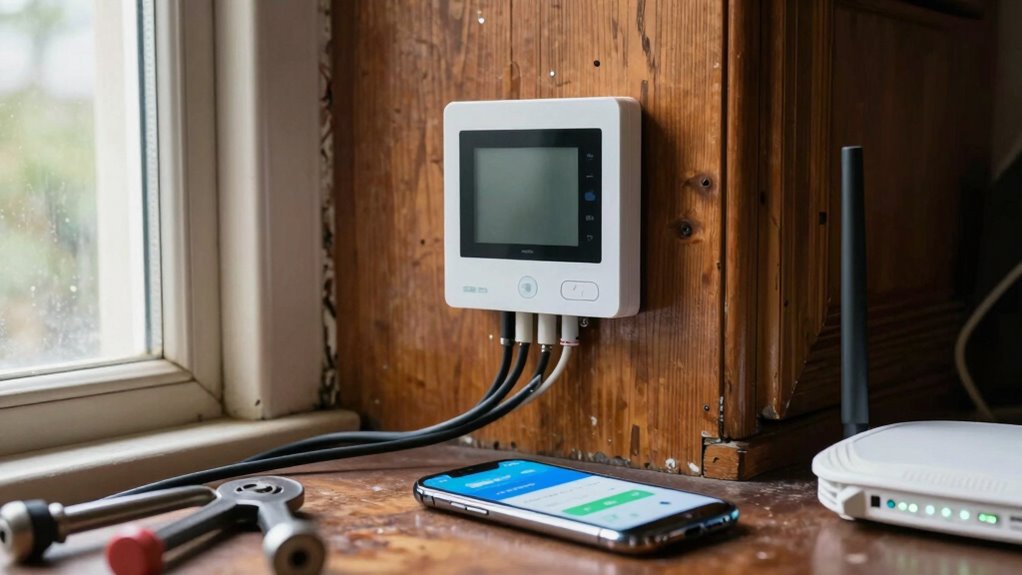
Even with a strong Wi-Fi setup, smart devices can sometimes face connectivity issues that disrupt their performance. If your smart device isn’t responding, first check its placement—poor placement can weaken signals and affect smart device aesthetics. Restarting the device or your router can often resolve minor glitches. Confirm your firmware is up to date, as outdated software can cause connectivity problems. For voice control integration, confirm the device is properly linked to your voice assistant and that your Wi-Fi isn’t experiencing interference. If issues persist, try resetting the device to factory settings and reconnecting it. Solid network coverage and proper device placement are key to maintaining reliable connectivity, guaranteeing your smart tech functions smoothly while blending seamlessly into your home’s aesthetic.
Budgeting for Electrical Upgrades and Home Improvements
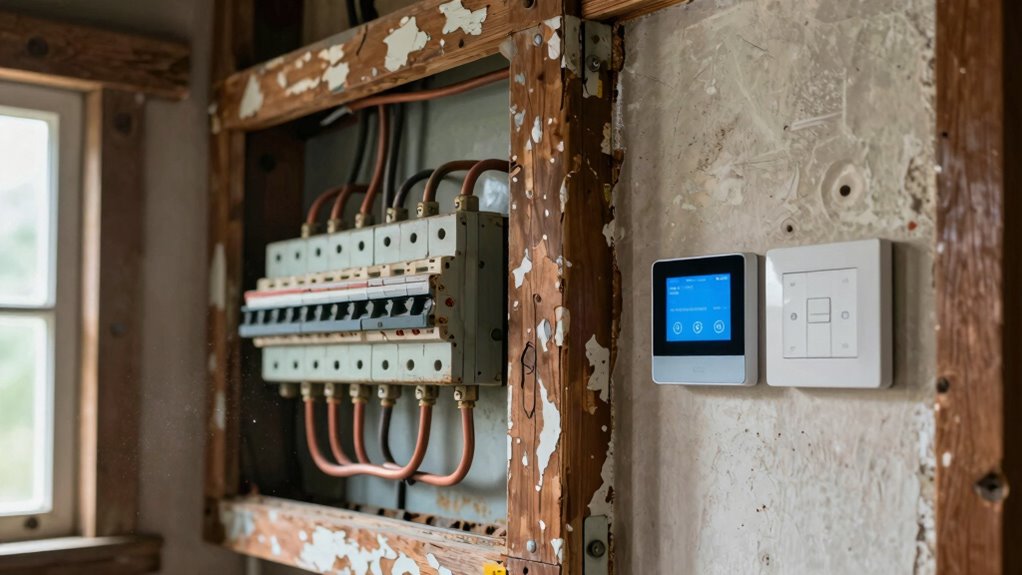
- Assess the electrical system’s current capacity to handle new devices
- Include costs for smart lighting fixtures and compatible voice assistants
- Budget for professional installation if wiring updates are necessary
- Set aside extra funds for unforeseen electrical issues or additional accessories
Working With Electricians and Tech Pros to Set Up Your Smart Home

Have you considered how working closely with electricians and tech professionals can make your smart home setup smoother and more reliable? Collaborating with experts guarantees your smart design complements your vintage aesthetics without compromising safety or function. They can help hide wiring and install smart devices discreetly, preserving the charm of your older home. A skilled electrician understands the unique wiring needs of vintage homes and can upgrade your electrical system as needed. Tech pros can recommend devices that blend seamlessly with your decor, maintaining the character of your space. Clear communication with these professionals ensures your smart tech integrates smoothly, delivering convenience without sacrificing style. Their expertise makes your smart home both functional and visually cohesive, tailored perfectly to your home’s character.
Maintaining and Updating Your Smart System Over Time
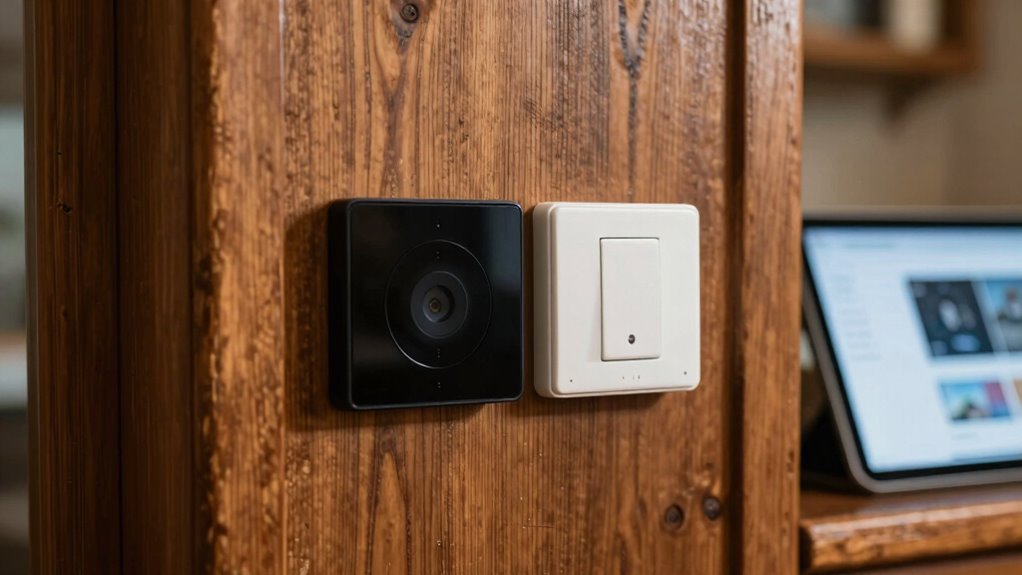
To keep your smart system running smoothly, you need to stay on top of regular software updates and check that all devices remain compatible. It’s also essential to implement ongoing security measures to protect your home from potential threats. Staying proactive in these areas guarantees your smart tech stays reliable and secure over time.
Regular Software Updates
- Schedule regular check-ins to verify your devices are up-to-date
- Enable automatic updates when possible for seamless maintenance
- Keep an eye out for firmware notifications from manufacturers
- Test your system after updates to confirm everything works properly
System Compatibility Checks
As your smart home system ages, regularly checking for compatibility guarantees everything continues to work smoothly. Over time, updates or new devices might not seamlessly integrate with existing hardware, affecting smart device aesthetics and user interface preferences. You should verify that your devices still communicate properly and that software versions remain compatible. This helps prevent conflicts or glitches that could disrupt your smart routines. Additionally, pay attention to whether new devices match your preferred design and interface style, ensuring a cohesive look and feel. Periodic compatibility checks keep your system running efficiently and make it easier to troubleshoot issues early. Staying proactive guarantees your smart home continues to serve your needs without frustration or unexpected disruptions.
Ongoing Security Measures
Maintaining your smart home’s security requires ongoing attention, especially as devices and software evolve. Regular updates and monitoring are key to safeguarding your smart device security and protecting your data privacy. Keep firmware and app software current to patch vulnerabilities. Change default passwords and use strong, unique ones for each device. Enable two-factor authentication where possible, adding an extra layer of security. Periodically review device permissions and connected accounts to prevent unauthorized access. Additionally, consider setting up a separate network for your smart devices to isolate them from your main internet connection. Staying proactive guarantees your smart system remains secure and your data privacy intact over time.
Frequently Asked Questions
Can Smart Home Devices Damage Vintage or Fragile Home Wiring?
Smart home devices can potentially damage vintage or fragile wiring if electrical compatibility isn’t checked. Older wiring might not handle modern devices’ power loads, leading to overheating or shorts. Safety concerns arise if you ignore these risks, risking fire hazards or damage. To avoid issues, have a professional inspect your wiring first, make sure compatibility, and consider updates to keep your home’s electrical system safe and reliable with smart tech.
Are There Specific Smart Devices Designed for Historic or Period Homes?
Smart devices designed for historic homes act like a tailored suit, balancing modern function with historical authenticity. You’ll find options that prioritize aesthetic integration, blending seamlessly with vintage decor. These devices are specifically crafted to preserve your home’s charm while offering smart functionalities. By choosing specialized products, you guarantee your upgrades respect your home’s character, enhancing comfort without sacrificing its timeless beauty.
How Can I Ensure Retrofitted Smart Tech Preserves My Home’s Original Character?
To guarantee retrofitted smart tech preserves your home’s original character, focus on decorative integration and aesthetic compatibility. Choose discreet devices, like slim sensors or hidden wiring, that blend seamlessly with your decor. Opt for sleek, vintage-inspired designs that complement your home’s style. Carefully plan placements to avoid altering architectural details. This approach keeps your smart upgrades functional while maintaining the charm and integrity of your historic space.
What Are the Long-Term Maintenance Considerations for Smart Systems in Old Homes?
You should regularly update your smart systems to guarantee energy efficiency and security. Check for firmware updates and replace batteries as needed, especially in security devices. Be mindful of user privacy by setting strong passwords and controlling data sharing. Schedule routine maintenance to keep devices running smoothly, and consider professional inspections to prevent issues. These steps help your smart tech stay reliable, energy-efficient, and private over the long term.
Are Wireless or Wired Smart Home Solutions Better for Older Houses?
Think of your home as a canvas—wireless solutions are like vibrant brushstrokes, adding flexibility and ease of installation, perfect for preserving your home’s aesthetic harmony. Wired systems, on the other hand, are steady roots, offering reliable energy efficiency and seamless integration. For older houses, wireless options often minimize disruption and maintain charm, while wired systems may be better for long-term stability. Choose based on your home’s needs and your desire for sleekness versus reliability.
Conclusion
Bringing smart tech into your old home is like planting a garden in rocky soil—you’ll face challenges, but with patience and care, vibrant life will flourish. Embrace the process as an opportunity to breathe new energy into familiar walls, transforming your space into a smart sanctuary. Each upgrade is a seed of innovation, promising a future where comfort and convenience grow hand in hand. With perseverance, your timeless home will glow anew with modern magic.
Flea & tick season Picks
flea and tick prevention
As an affiliate, we earn on qualifying purchases.