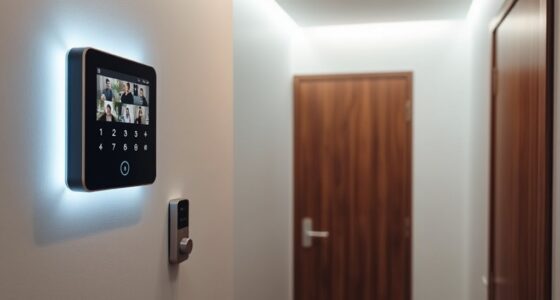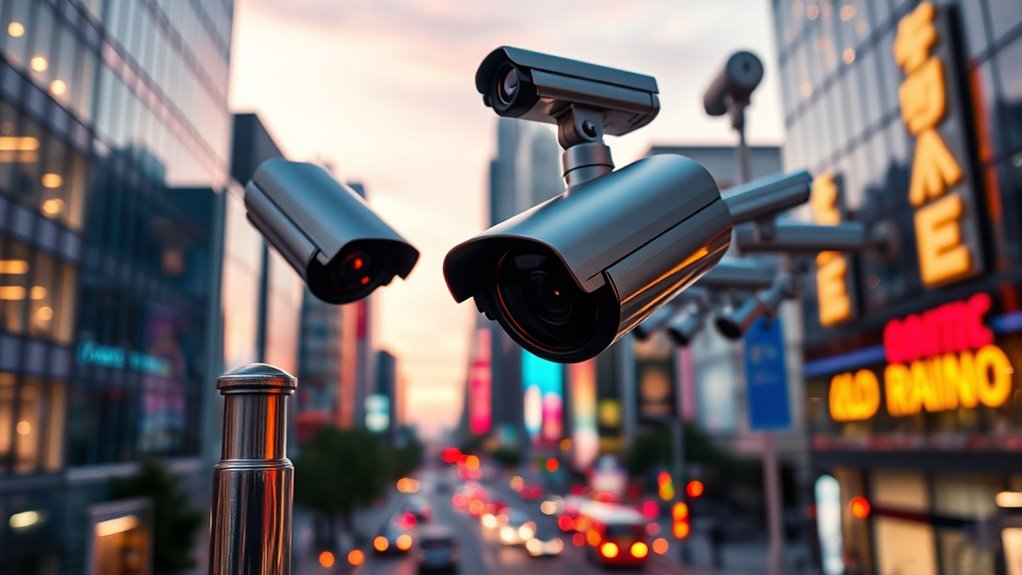

When choosing smart surveillance cameras, focus on models with AI and IoT features that offer real-time insights and automation. Place cameras strategically at entrances, driveways, and common areas while avoiding private spaces like bedrooms or bathrooms. Be aware of local laws, and use privacy settings to protect individuals’ rights. Consider environmental factors like weather resistance for outdoor cameras. By making smart choices upfront, you’ll improve security without sacrificing privacy—if you keep exploring, you’ll find ways to optimize your setup even further.
Key Takeaways
- Select cameras with AI and IoT features for real-time insights and automation.
- Carefully plan placement to cover critical areas while respecting privacy boundaries.
- Familiarize yourself with local laws to ensure compliant camera installation and usage.
- Consider environmental factors like weather and lighting to optimize camera performance.
- Use privacy masking and educate users to balance security benefits with personal privacy.
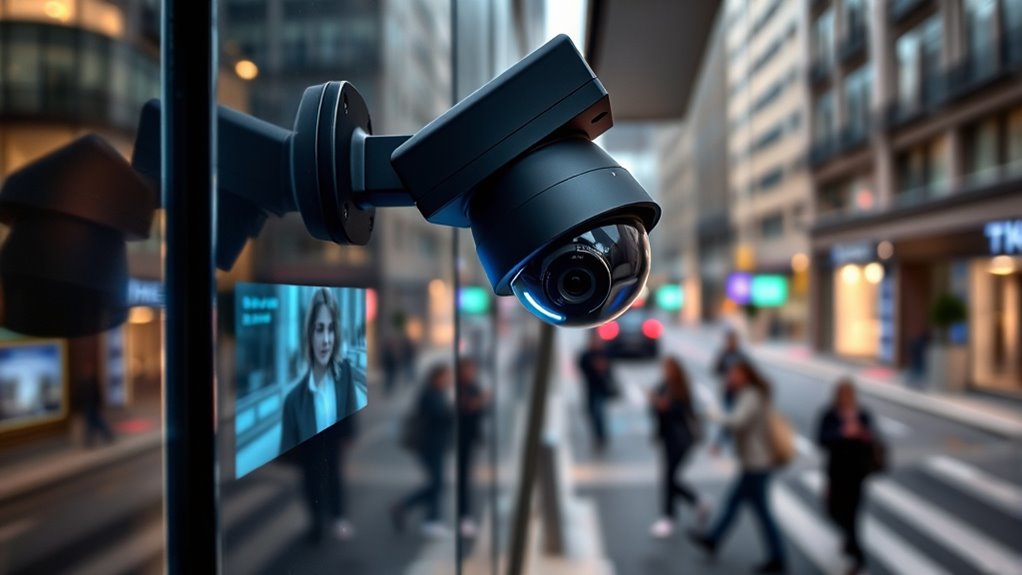
Smart surveillance is transforming the way we monitor and secure our environments by leveraging advanced technologies like artificial intelligence, machine learning, and IoT devices. These innovations make security systems smarter, more responsive, and capable of providing real-time insights. However, as you adopt these systems, you need to be mindful of privacy concerns. People value their privacy, and improper camera placement can lead to intrusive surveillance that crosses personal boundaries or captures sensitive activities. To avoid this, you should carefully plan where to install cameras, ensuring they cover critical areas without infringing on private spaces like bedrooms, bathrooms, or neighbors’ properties. Proper camera placement not only respects privacy but also improves the effectiveness of your surveillance. For example, mounting cameras at strategic points like entrances, driveways, or common areas allows you to monitor activity without overreaching. You should also consider the height and angle of your cameras; placing them too high or tilting them to capture a broader view might seem efficient but could also result in capturing unintended areas or private moments.
Additionally, you need to be aware of local laws and regulations regarding surveillance. Many jurisdictions have strict rules about where and how cameras can be installed, especially concerning capturing images of public or private spaces without consent. Ignoring these rules can lead to legal issues or privacy complaints. When setting up your system, use features like privacy masking or blurring options to block out sensitive areas in camera feeds, giving you control over what’s recorded and viewed. This way, you ensure your surveillance remains effective while respecting individual privacy rights. Understanding digital literacy can help you better educate family members about responsible camera use and privacy management.
Choosing the right camera placement also involves understanding the environment you’re monitoring. For example, outdoor cameras should be mounted where they’re protected from the elements but still provide a clear view of entry points. Indoor cameras should be placed where they don’t intrude into personal activities but can still detect movement or unauthorized access. Be mindful of blind spots or areas where lighting conditions might hinder camera performance. Proper positioning reduces the need for numerous cameras and minimizes the risk of unnecessary surveillance.

Cloarks 2K Pan/Tilt Security Camera, WiFi Indoor Cameras for Home Security with AI Motion Detection, Pet/Dog/Baby Camera with Phone App, 2-Way Audio, 24/7, Siren, TF/Cloud Storage,Black
Note: The indoor camera requires to be plugged all the time. The security camera only support work with…
As an affiliate, we earn on qualifying purchases.
As an affiliate, we earn on qualifying purchases.
Frequently Asked Questions
How Do I Ensure My Surveillance Footage Remains Private?
To keep your surveillance footage private, you should implement strong encryption protocols to protect data during transmission and storage. Additionally, setting up privacy zones can block out sensitive areas from camera view, reducing exposure. Regularly update your camera firmware and passwords, and restrict access to authorized users. By combining encryption protocols with privacy zones, you guarantee your footage stays secure and private, giving you peace of mind.
What Are the Legal Considerations for Installing Security Cameras?
Have you considered the legal side of installing security cameras? You need to be aware of privacy concerns, like avoiding recording areas where people expect privacy. You also should understand data ownership, ensuring you’re compliant with local laws about storing and sharing footage. Are you familiar with the regulations that govern surveillance in your area? Staying informed helps you avoid legal trouble and respects everyone’s rights.
Which Camera Features Are Essential for Different Environments?
When choosing cameras for different environments, guarantee you prioritize camera resolution to capture clear images, especially in larger or detailed spaces. Weather resistance is vital for outdoor areas to withstand elements like rain or snow. For indoor settings, focus on resolution and low-light capabilities. By selecting cameras with these essential features, you’ll guarantee reliable security tailored to each environment’s unique needs.
How Often Should Surveillance Equipment Be Upgraded or Maintained?
You should establish a regular maintenance schedule to keep your surveillance equipment functioning ideally. Generally, upgrade frequency depends on technology advances and your environment’s needs, but reviewing your system every 12 to 24 months is wise. Performing routine checks, cleaning lenses, and updating firmware helps prevent malfunctions. Staying proactive ensures your security system remains reliable, and timely upgrades address evolving threats and improve overall performance.
Can Smart Cameras Be Hacked, and How Can I Prevent It?
Think of your smart camera as a lock that needs a strong key. Yes, smart cameras can be hacked if cybersecurity risks aren’t managed properly. To prevent this, guarantee your devices have robust device authentication, keep firmware updated, and use strong, unique passwords. Regularly monitor network activity and avoid insecure Wi-Fi connections. Remember, a proactive approach keeps your surveillance system a fortress rather than an open door.

SEHMUA 2K Solar Security Cameras Wireless Outdoor, 2 Pack 360° View Pan/Tilt WiFi Security Camera Outside with Color Night Vision,Easy to Install, PIR Alarm, 2-Way Audio
Solar-Powered & Panoramic View Camera: With a removable solar panel and its rechargeable battery, experience always on solar…
As an affiliate, we earn on qualifying purchases.
As an affiliate, we earn on qualifying purchases.
Conclusion
So, now that you’re armed with the secrets of smart surveillance, go ahead—install those cameras and watch your neighbors politely pretend they’re not spying. Remember, choosing the right tech is key, but don’t forget to avoid the classic pitfalls—like turning your home into Big Brother’s new playground. After all, what’s more fun than keeping an eye on everything, except maybe realizing you’ve become the star of your own unwatched reality show? Happy spying!

EYSOFT Privacy Cover Compatible for iPhone 17 Pro/iPhone 17 Pro Max with Front Camera Cover,Protect Privacy and Security But Not Affect Facial Recognition(2Pack) Black
The front webcam cover is compatible for 17 Series(except 17e).Does not affect normal photography and video, can prevent…
As an affiliate, we earn on qualifying purchases.
As an affiliate, we earn on qualifying purchases.

Blink Mini – Compact indoor plug-in smart security camera, 1080p HD video, night vision, motion detection, two-way audio, easy set up, Works with Alexa – 2 cameras (Black)
Monitor the inside of your home day and night with our 1080P HD indoor plug-in smart security camera…
As an affiliate, we earn on qualifying purchases.
As an affiliate, we earn on qualifying purchases.