
To set up an ultra-short-throw projector in a small room, choose a wall or ceiling mount that saves space and guarantees stability. Select a high-gain screen of about 100-120 inches for bright, clear images in ambient light. Carefully measure the distance from the projector to the screen to prevent distortion, and make sure everything is level and centered. Proper alignment and minimal keystone correction will give you a sharp picture. Keep reading to find out how to perfect your setup even more.
Key Takeaways
- Use a dedicated high-gain screen to maximize brightness and clarity in small, ambient-light rooms.
- Mount the ultra-short-throw projector close to the wall or screen, ideally just inches away, to prevent distortion.
- Choose a wall or ceiling mount that allows precise positioning and level alignment for optimal image quality.
- Ensure proper measurement of distance and correct keystone correction to achieve a sharp, rectangular image.
- Opt for a compact, space-saving mounting and screen setup to maximize room usability and viewing comfort.
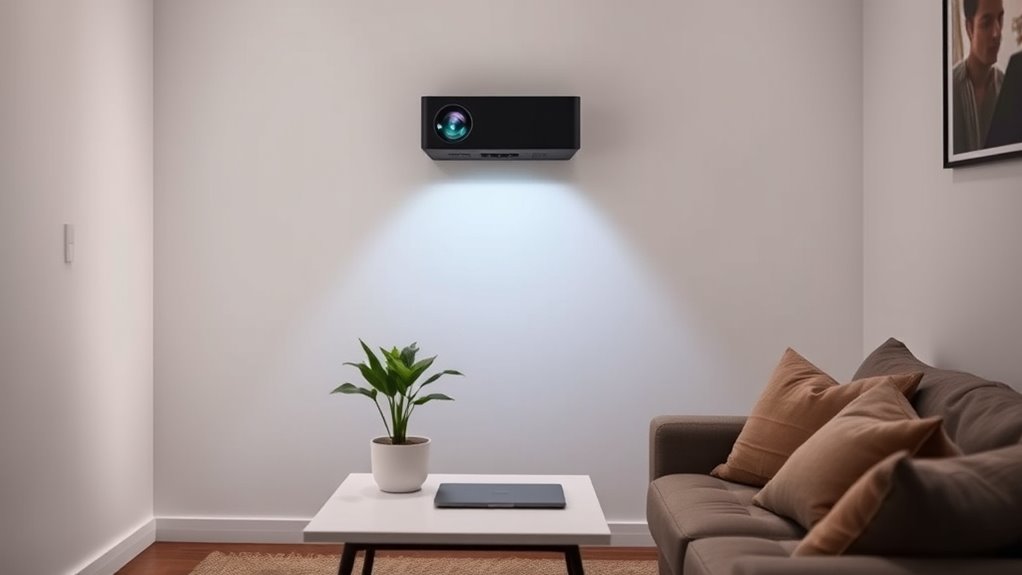
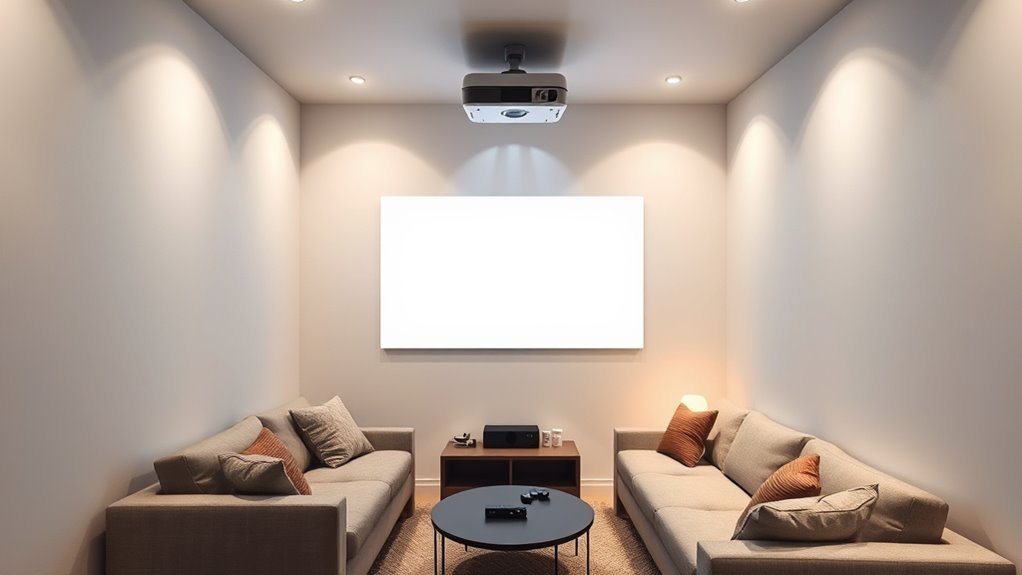
Setting up an ultra-short-throw projector is straightforward, but proper placement is key to getting the best image quality. In small rooms, this means paying close attention to your mounting options and screen selection. Your mounting choices directly impact the projector’s positioning, stability, and overall image clarity. Wall mounts, ceiling mounts, or even sturdy tabletop setups are all viable, but each has its considerations. Wall mounts are often the simplest, allowing you to secure the projector at the ideal distance from the wall or screen. Ceiling mounts provide a clean, unobstructed view and save space, but they require careful measurement to guarantee the projector hangs at the right height and angle. Tabletop setups are flexible but may introduce stability issues or accidental knocks, so if you go this route, make certain the projector is placed on a stable surface away from foot traffic.
When selecting your screen, keep in mind that the quality and size can make or break your viewing experience. For small rooms, a dedicated projector screen can dramatically improve image clarity and brightness compared to projecting onto a wall. Choose a screen with a high gain rating for brighter images, especially if ambient light is unavoidable. The screen size should be appropriate for your room dimensions—generally, a 100-120 inch screen works well for small spaces, providing an immersive experience without overwhelming the room. Some screens are designed to enhance contrast and color accuracy, which is vital for ultra-short-throw projectors that tend to have limited throw distances.
Positioning your projector correctly involves more than just mounting and screen choice. You need to guarantee the projector is aligned perfectly with the screen to avoid keystone distortion or blurry edges. Many ultra-short-throw models have built-in keystone correction, but it’s best to set everything up as precisely as possible. Measure the distance from the projector to the screen carefully—most ultra-short-throw projectors are designed to sit just inches away from the wall or screen, so don’t place it too far or too close. When mounting, double-check that the projector is level and centered in relation to the screen, which helps achieve a sharp, rectangular image. Additionally, contrast ratio plays a significant role in how vivid and detailed your images appear, especially in small rooms with controlled lighting.
In small rooms, space is limited, so your mounting options and screen selection should maximize your viewing comfort and image quality. A well-chosen mount and screen, combined with precise positioning, guarantee you get the most out of your ultra-short-throw projector without cluttering your space or sacrificing picture clarity.
Frequently Asked Questions
How Do I Calibrate Color Accuracy for My Ultra-Short-Throw Projector?
To calibrate color accuracy on your ultra-short-throw projector, start by accessing the projector settings menu. Use a calibration disc or a color calibration tool to adjust the color settings, focusing on brightness, contrast, and color temperature. Fine-tune these settings until the colors look natural and consistent. Regularly perform color calibration to maintain ideal image quality, especially if you notice color shifts or image inconsistencies.
Can I Mount an Ultra-Short-Throw Projector on a Ceiling?
Did you know that most ultra-short-throw projectors weigh less than 10 pounds? Yes, you can mount an ultra-short-throw projector on a ceiling, but check the ceiling mount compatibility first. Make certain it supports the projector’s weight and size. You’ll want a sturdy mount designed for your projector’s weight considerations to avoid accidents. Proper installation guarantees a stable, ideal viewing experience, especially for small rooms where space is limited.
What Are the Best Screen Materials for Ultra-Short-Throw Projectors?
You should choose screen materials with smooth, reflective coatings like matte white or grey surfaces for ultra-short-throw projectors. These screen coatings enhance image clarity and reduce glare, giving you a bright, sharp picture. Avoid wall textures like rough or textured surfaces, as they distort the image. Instead, opt for a dedicated screen or a smooth, flat wall painted with specialized projector paint for ideal results.
How Do Ambient Light Conditions Affect Projection Quality?
Think of your room as a theater—ambient light is like the sunlight sneaking in through curtains, dulling your show. Too much ambient light washes out the image, lowering your projection contrast and making details hard to see. To enjoy sharp, vibrant visuals, control ambient light by dimming or blocking it. This way, your projector’s performance shines, and your small room transforms into a cozy cinema with rich, clear images.
What Maintenance Is Required for Ultra-Short-Throw Projectors?
You need to regularly maintain your ultra-short-throw projector by replacing the bulb when it dims or burns out. Keep the lens clean by gently wiping it with a soft, lint-free cloth to guarantee clear images. Also, check and clean air filters to prevent overheating. Regular maintenance like these keeps your projector in top shape, prolongs its lifespan, and preserves ideal image quality for your small room setup.
Conclusion
With your ultra-short-throw projector in place, your small room transforms into a cozy cinema, where images leap from the wall like vivid paintings in a gallery. Just like a skilled painter carefully arranges each stroke, your setup creates a seamless, immersive experience without clutter or shadows. Now, every movie night feels like stepping into a vibrant, private theater—an intimate escape where technology and comfort blend effortlessly, turning your small space into a world of endless entertainment.