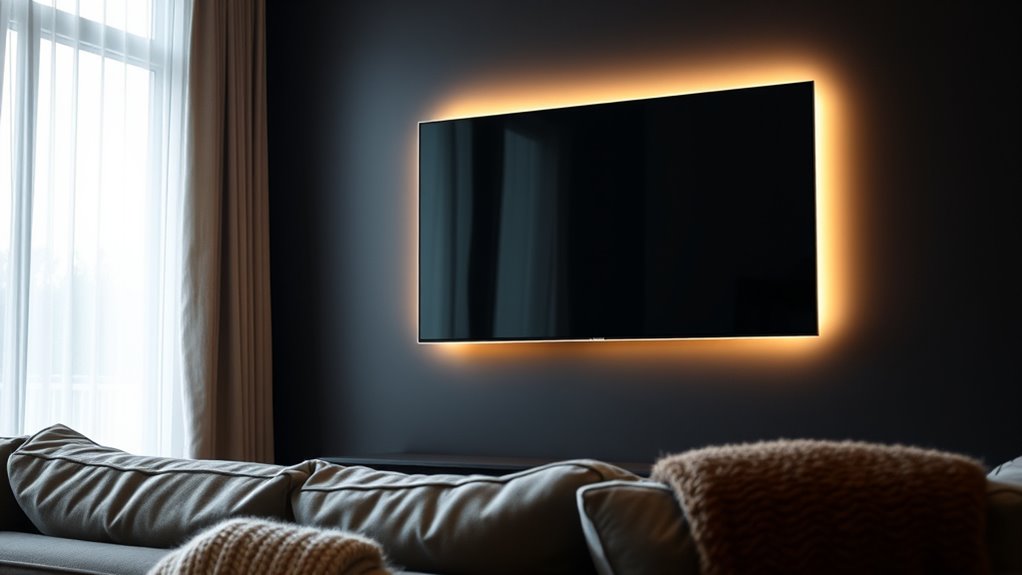

To backlight your TV without glare, position soft, diffused LED strips behind the screen to create a gentle glow that reduces reflections and eye strain. Ensure the lighting is indirect, avoiding direct light toward your eyes or screen, and choose warm or neutral colors to create a cozy ambiance. Proper placement and calibration can markedly enhance contrast and vibrancy. Keep exploring how to optimize your setup for the best viewing experience.

Get garden gear delivered free with Prime
- Fast, free delivery on millions of items
- Prime Video, Amazon Music and more included
- Member-only deals all year
Key Takeaways
- Use indirect LED strip lighting placed behind the TV to cast a soft glow and reduce glare.
- Position lighting sources away from direct eye line and screen to prevent reflections and harsh contrasts.
- Choose warm or neutral color temperatures to create a cozy viewing environment without washing out the picture.
- Diffuse the backlighting with frosted covers or diffusers to prevent direct glare and reflections on the screen.
- Regularly calibrate your TV and lighting setup to maintain optimal contrast, brightness, and glare reduction.
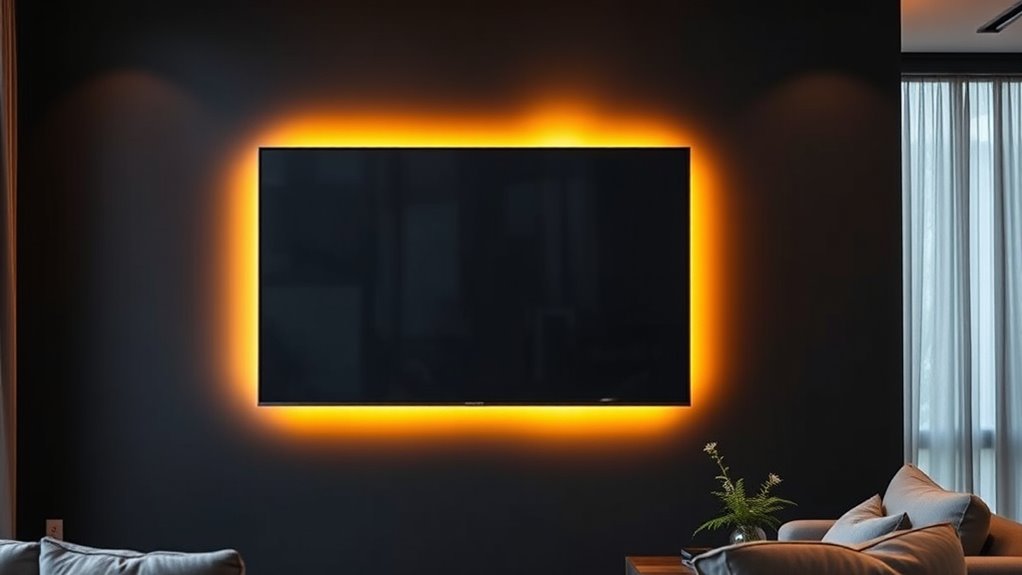
Have you ever noticed how your TV’s picture can look dull or harsh against a bright room? This common issue often stems from poor ambient lighting and improper color calibration. When your room isn’t lit correctly, your TV struggles to deliver the full vibrancy and contrast it’s capable of. To fix this, you can add backlighting that enhances your viewing experience without creating glare. But the key is choosing the right type of ambient lighting and setting it up properly so that it complements your TV rather than competing with it.
Start by considering ambient lighting options. The goal is to create a soft, indirect light that minimizes eye strain and makes the picture pop without reflecting off the screen. LED strips are popular because they’re flexible and easy to install behind your TV. When positioned correctly, they cast a gentle glow around the edges, reducing the contrast between the bright screen and the darker room. Make sure the light is diffused and not directed straight at your eyes or the screen to prevent glare. The color temperature of your ambient lighting matters too. Cooler tones might make the room feel more sterile, while warmer hues create a cozy atmosphere. For most setups, a neutral or slightly warm color calibration works best, providing enough contrast without washing out the picture.
Proper color calibration is essential for achieving the best picture quality. If your TV isn’t calibrated properly, even perfect backlighting won’t deliver ideal results. Use your TV’s settings or a calibration tool to fine-tune brightness, contrast, and color levels. When the colors are calibrated correctly, your backlighting will serve as an extension of the picture, helping you see details in shadows and highlights more clearly. It also prevents the image from looking overly harsh or washed out. Remember, calibration isn’t a one-time task. Regularly reviewing your settings ensures your picture remains sharp and vibrant as your viewing environment changes or as your equipment ages. Additionally, understanding your projector bulb maintenance can help maintain consistent picture quality if you ever switch between different display types.
Products Worth Considering

iRobot Roomba Max 715 Pet Robot Vacuum with AutoEmpty Dock

Levoit Core 600S-P Smart Air Purifier for Large Rooms

Sonos Era 100 SL Compact Microphone-Free Speaker, Black
As an affiliate, we earn on qualifying purchases.
Frequently Asked Questions
What Are the Best Types of LED Strips for Backlighting?
You should choose RGB or RGBW LED strip types for versatile backlighting, as they offer customizable colors and brightness. Look for strips with compatible connectors to guarantee easy installation and a seamless setup. LED strips with adhesive backing make attachment simple, and high-quality options provide better durability and color consistency. Opt for dimmable strips if you want control over brightness, enhancing your viewing experience without glare.
How Do I Install Backlighting Without Damaging My TV?
Think of your TV as a precious painting. To install backlighting safely, first mount it securely, ensuring it’s level. Use double-sided tape or mounting brackets designed for electronics, avoiding adhesives directly on the screen. Keep cables neat with cable management tools to prevent damage. Always turn off and unplug your TV before installation. This careful approach protects your device while creating a stunning, glare-free ambiance.
Can Backlighting Improve Picture Quality or Only Reduce Glare?
Backlighting can improve picture quality by enhancing contrast and color accuracy, making your viewing experience more vibrant. It’s not just about reducing glare; proper backlighting adds depth to dark scenes and highlights bright areas without washing out details. By carefully installing backlights, you support better contrast and color fidelity, giving your TV display a more dynamic and true-to-life appearance. So, it’s a great way to boost overall picture quality beyond glare reduction.
What Is the Ideal Brightness Level for TV Backlighting?
You should set your TV backlighting to an ideal brightness level that balances ambient contrast and viewing comfort. Typically, this means the backlight should be about 10-15% brighter than the surrounding ambient light, ensuring the picture pops without causing eye strain or glare. Adjust gradually until you find a comfortable level that enhances contrast and makes your viewing experience more immersive without overwhelming your eyes.
Are There Wireless Backlighting Options Available for TVS?
The ball’s in your court with wireless backlighting options—yes, you can find models that use wireless options for easy setup. These systems typically run on batteries or connect via Wi-Fi or Bluetooth, eliminating the need for cords. Just keep an eye on power sources, as some might require charging or plugging in occasionally. With wireless options, you can enjoy a clutter-free setup and customize your viewing experience effortlessly.
Conclusion
By adding soft backlighting, you create a gentle glow that surrounds your TV, turning your viewing space into a cozy retreat. Imagine the warm light wrapping around the screen like a whisper, reducing glare and eye strain while enhancing contrast. As you settle into your seat, the subtle illumination transforms your room into a cinematic haven, free from harsh reflections. With just the right glow, your TV becomes the star of a perfectly balanced, glare-free night.