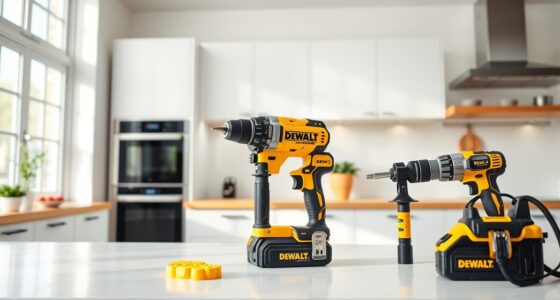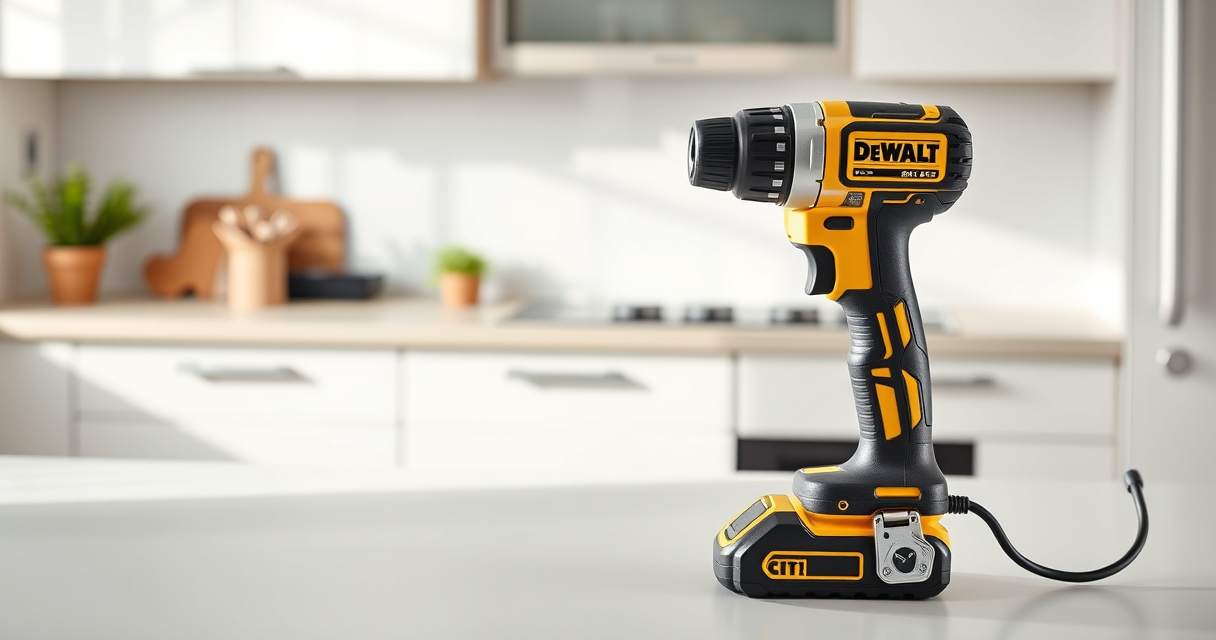

Regular cleaning of your DEWALT brushless drill ensures optimal performance and extends its lifespan. Proper maintenance helps prevent issues caused by dirt, dust, and debris that can accumulate during use.

Get garden gear delivered free with Prime
- Fast, free delivery on millions of items
- Prime Video, Amazon Music and more included
- Member-only deals all year
Follow these easy, step-by-step instructions to clean your drill safely and effectively, keeping it in top condition for all your projects.
Key Takeaways
| Safety First | Always disconnect the battery before cleaning to prevent accidental activation. |
| Use Proper Tools | Soft brushes and compressed air are recommended for cleaning delicate parts. |
| Avoid Liquids | Do not submerge or pour liquids directly into the drill. |
| Regular Maintenance | Cleaning after heavy use prevents buildup and maintains performance. |
| Check for Damage | Inspect for any broken parts or excessive wear during cleaning. |
Prepare Your Workspace and Tools
- Ensure the drill is turned off and remove the battery to prevent accidental activation.
- Gather a soft brush, compressed air can, microfiber cloth, and a small Phillips or flat-head screwdriver if necessary.
Remove Dust and Debris
- Use the soft brush to gently sweep away dust from vents, switches, and crevices.
- Hold the drill upright and use compressed air to blow out dust from vents and motor housing. Keep the can upright to avoid spraying propellant onto the drill.
Clean External Surfaces
Wipe the exterior with a slightly damp microfiber cloth. Avoid using harsh chemicals or soaking the cloth. Pay attention to the handle and trigger area for dirt buildup.
Inspect and Maintain
Check the drill for any signs of damage or excessive wear. If necessary, use a screwdriver to remove the chuck or other removable parts for cleaning or inspection.
Apply a small amount of lubricant to moving parts if recommended by the manufacturer, and reassemble carefully.
Reassemble and Test
- Reattach any removed parts and insert the battery.
- Turn on the drill briefly to ensure it powers on properly and operates smoothly.
The Products in This Guide

DEWALT 20V MAX Cordless Drill Driver Set
- ✔ Weight: 3.5 lbs
- ✔ Power: 340 UWO
- ✔ Chuck Size: 1/2 inch

DEWALT Drill Bit Set
- ✔ Size Range: from small to large
- ✔ Durability: Extreme wear resistance
- ✔ Compatibility: All 1/4 inch chucks
DEWALT 20V MAX Cordless Drill Driver Set
Maintaining your DEWALT 20V MAX Brushless Drill with regular cleaning ensures it performs reliably and lasts longer. Follow these steps to keep your tool in excellent condition.
Pros:
- Easy to follow cleaning steps
- Prevents dust buildup
- Extends tool lifespan
- Safe for brushless motors
Cons:
- Requires careful handling of compressed air
- Must avoid liquids
- Cleaning may need to be repeated regularly
Best for: DIY enthusiasts and professionals seeking to prolong their drill’s life
Not ideal for: In cases of severe damage or internal issues requiring professional repair
Bottom line: Routine cleaning is essential for maintaining your DEWALT drill’s peak performance.
DEWALT Drill Bit Set
Pair your cleaned and maintained drill with a quality DEWALT drill bit set for versatile and reliable drilling across materials.
Pros:
- High durability
- Wide variety of bits
- Rust-resistant coating
- Easy to identify sizes
Cons:
- May be overkill for simple tasks
- Requires proper storage
- Bits can be lost if not careful
Best for: Home improvement projects and professional use
Not ideal for: Light, occasional use requiring only basic bits
Bottom line: A reliable drill bit set enhances your DEWALT drill’s versatility.
Frequently Asked Questions
Can I use water or liquids to clean my DEWALT drill?
No, avoid using water or liquids directly on the drill. Use a damp cloth for external cleaning and compressed air for internal dust removal.
Is it safe to use compressed air for cleaning my drill?
Yes, but ensure the can is held upright and use short bursts to prevent damage to internal components or forcing dust further inside.
How often should I clean my DEWALT drill?
It’s best to clean your drill after heavy use or dirt exposure, typically every few uses, to maintain optimal performance.
Can I lubricate my brushless motor during cleaning?
Brushless motors generally do not require lubrication, but check the manufacturer’s guidelines before applying any lubricant.
Keep Your DEWALT Drill Performing Its Best
Regularly cleaning your DEWALT brushless drill is a simple but vital step in ensuring it remains reliable and efficient for all your tasks. By following these steps, you can prevent buildup, reduce wear, and extend the life of your tool, making every project smoother and more successful.
Remember, always prioritize safety and proper maintenance to get the most out of your investment.
Affiliate disclosure: As an Amazon Associate we earn from qualifying purchases. Prices and availability are accurate as of the time of publishing.
Halloween Picks

11.2-Foot Halloween Inflatable Pumpkin with LED Lights

9 ft Halloween Inflatable Haunted Castle with Dragon and Ghost

Govee Outdoor Halloween Projector Light, 3D Dynamic Visual Holiday Decor
As an affiliate, we earn on qualifying purchases.