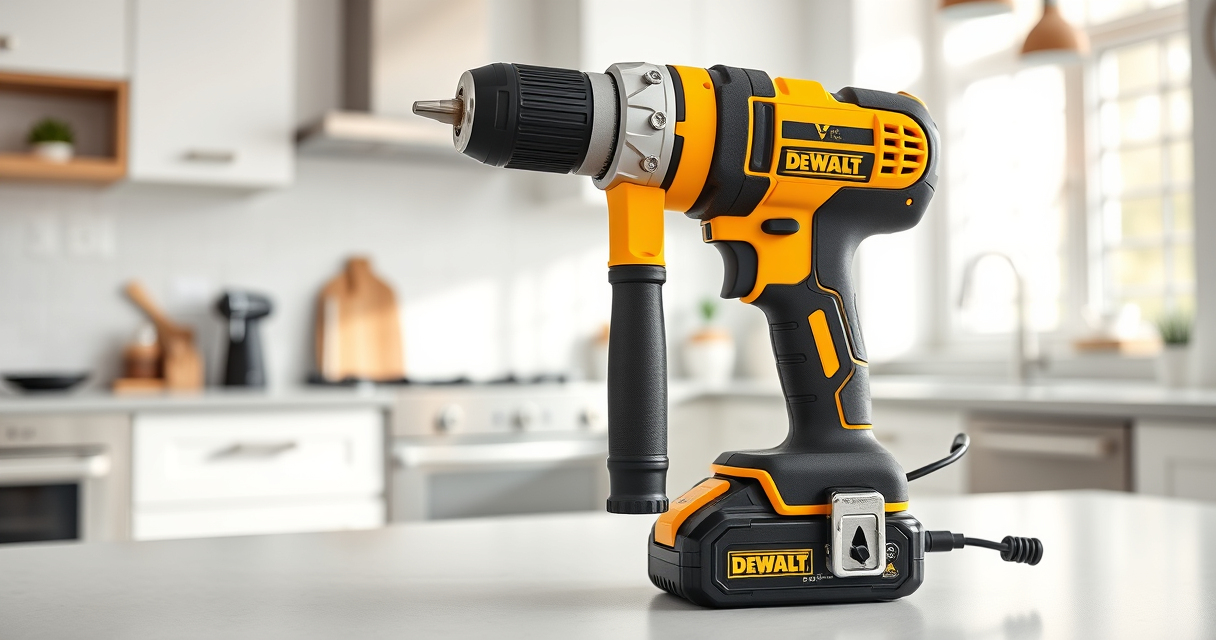

Maintaining your DEWALT power tools is essential for ensuring they perform optimally and last for years. Proper care not only enhances safety but also saves you money by preventing costly repairs or replacements. Whether you’re a DIY enthusiast or a professional, understanding basic maintenance and troubleshooting techniques will keep your tools in top shape.

Get garden gear delivered free with Prime
- Fast, free delivery on millions of items
- Prime Video, Amazon Music and more included
- Member-only deals all year
This guide provides clear, step-by-step instructions for caring for your DEWALT tools, focusing on the popular DEWALT 20V MAX Cordless Drill and Impact Driver, along with tips for troubleshooting common issues and recommended accessories to improve your experience.
Key Takeaways
| Regular Cleaning | Keep your tools free of dust and debris to prevent overheating and mechanical issues. |
| Battery Care | Properly charge, store, and maintain batteries for maximum runtime and lifespan. |
| Routine Inspection | Regularly check for damaged cords, loose parts, and worn-out components. |
| Lubrication & Parts Replacement | Apply lubrication where needed and replace worn parts promptly. |
| Troubleshooting Basics | Identify common problems like power loss or overheating and resolve them safely. |
Cleaning and General Maintenance
- Unplug the tool or remove batteries before cleaning to ensure safety.
- Use a soft brush or compressed air to remove dust, dirt, and debris from vents, switches, and crevices.
- Wipe the exterior with a damp cloth; avoid harsh chemicals that could damage plastic components.
- Inspect the chuck and bits for dirt or damage, and clean with a dry cloth or brush.
- Regular maintenance of moving parts extends the tool’s lifespan and maintains performance.
Battery Maintenance and Care
- Charge batteries in a cool, dry place away from direct sunlight and extreme temperatures.
- Use only compatible chargers and avoid overcharging; remove batteries once fully charged.
- Store batteries partially charged if not used for extended periods, ideally at around 40-60% capacity.
- Regularly check the LED indicator on batteries for charge status and replace if damaged.
- Clean battery contacts with a dry cloth to ensure good electrical connection.
Inspecting and Replacing Wear Parts
Routine inspection of your DEWALT tools involves checking for loose screws, worn brushes, or damaged cords. For cordless drills, the brushless motor in models like the DCK277D2 requires less maintenance, but inspecting the chuck and bits is crucial.
Replace worn or damaged parts promptly to prevent further damage or safety hazards. Use genuine DEWALT parts for the best fit and performance.
Troubleshooting Common Issues
- No Power: Check if the battery is charged and properly inserted. Test with a known good battery if available. Inspect the switch for damage.
- Overheating: Allow the tool to cool down, clean vents, and avoid prolonged continuous use. Ensure the tool isn’t overloaded.
- Chuck Not Tightening: Clear debris, tighten the chuck, or replace if damaged. Use the correct size bits for the chuck.
- Battery Not Charging: Confirm charger compatibility, inspect contacts for dirt, and try a different outlet or charger.
Safety Tips for Maintenance and Troubleshooting
Always disconnect power sources before maintenance. Use appropriate protective gear such as gloves and safety glasses. Follow manufacturer instructions for parts replacement and repairs. Never attempt repairs beyond your skill level; contact a professional if needed.
The Products in This Guide

DEWALT 20V MAX Cordless Drill and Impact Driver
- ✔ Weight: 3.3 lbs
- ✔ LED Duration: 20 seconds
- ✔ Battery Capacity: 5Ah

DEWALT Drill Bit Set
- ✔ Size Range: from 1/16-inch to 1/2-inch
- ✔ Web Design: Tapered web for strength
- ✔ Compatibility: Fits standard chucks
DEWALT 20V MAX Cordless Drill and Impact Driver
The DEWALT 20V MAX Cordless Drill and Impact Driver combo kit offers excellent performance, ergonomic design, and durable construction. It features brushless motors for efficiency, a compact size for tight spaces, and LED lighting for visibility. Proper maintenance ensures the longevity of this versatile tool, making it a valuable addition to any toolkit.
Pros:
- Compact and lightweight for easy handling
- Brushless motors increase efficiency and lifespan
- Includes 2 batteries for extended use
- Bright LED for working in dark spaces
Cons:
- Battery life can vary with heavy use
- Charging can take some time depending on the battery level
- High usage may require additional spare batteries
Best for: DIY projects, home repairs, professional construction work
Not ideal for: Heavy-duty industrial applications with continuous high power demands
Bottom line: A dependable, versatile cordless drill set suitable for various tasks, with proper maintenance ensuring optimal performance.
DEWALT Drill Bit Set
Pair your DEWALT drill with this durable 14-piece drill bit set, featuring 135-degree split points and high-speed steel construction. It’s designed for precise drilling in plastic, wood, and metal, complementing your maintenance routine.
Pros:
- High-speed steel for durability
- Split point reduces walking
- Includes multiple sizes
- Rust-resistant coating
Cons:
- Requires proper storage to prevent loss
- Not suitable for heavy industrial use
- Bits can wear over time if misused
Best for: General drilling tasks around the home or workshop
Not ideal for: Heavy-duty industrial drilling
Bottom line: A versatile drill bit set that enhances drilling precision and durability for your DEWALT tools.
Frequently Asked Questions
How often should I clean my DEWALT power tools?
Clean your tools after every few uses, especially when working in dusty or dirty environments, to prevent debris buildup that can affect performance.
What is the best way to store batteries?
Store batteries in a cool, dry place at partial charge (around 40-60%) and avoid exposing them to extreme temperatures to maximize lifespan.
My drill is not turning on, what should I check?
Ensure the battery is fully charged and properly inserted. Check for any damage to the battery contacts, switch, or cords if applicable.
Can I use any charger for my DEWALT batteries?
Only use the charger specified for your DEWALT batteries to avoid damage and ensure proper charging. The DCB115 or DCB118 chargers are compatible with 20V MAX batteries.
How do I troubleshoot overheating issues?
Allow the tool to cool down, clean any vents, and avoid prolonged continuous use. Overheating often results from overload or restricted airflow.
Maintaining Your DEWALT Tools for Long-lasting Performance
Proper maintenance and troubleshooting are key to ensuring your DEWALT power tools remain reliable and efficient over time. By regularly cleaning, inspecting, and caring for your tools and batteries, you can prevent common issues and extend their lifespan. Remember to always follow safety guidelines and use genuine parts and accessories for optimal results. With these practices, your DEWALT tools will serve you well through countless projects, both big and small.
Affiliate disclosure: As an Amazon Associate we earn from qualifying purchases. Prices and availability are accurate as of the time of publishing.
Fall yard work Picks
leaf blowers
As an affiliate, we earn on qualifying purchases.