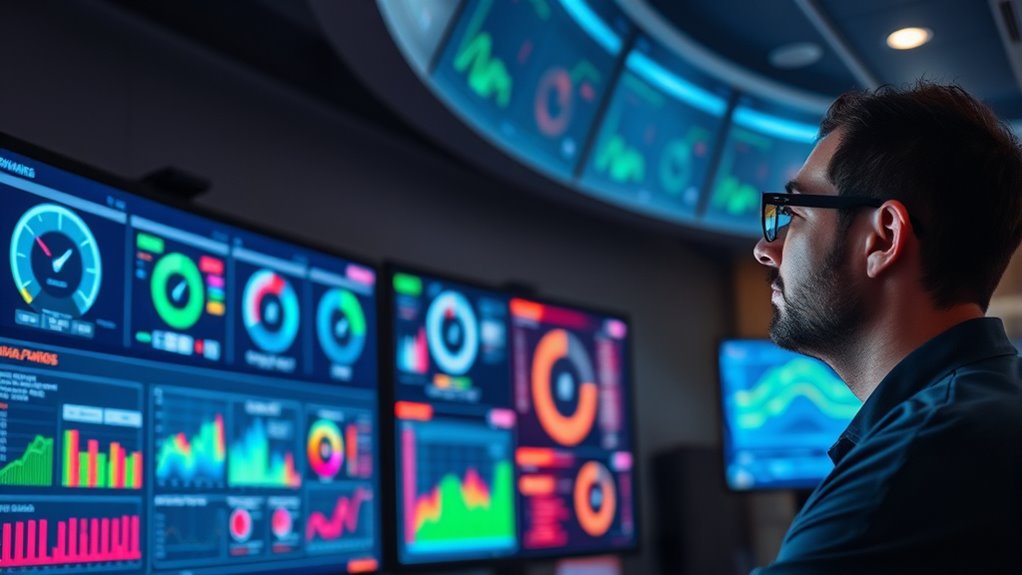

Remote monitoring relies on dashboards and alerts that give you real-time insights into your systems’ performance. With visual displays of data from sensors, you can quickly spot issues and understand asset status. Alerts notify you immediately about any deviations or potential problems, helping you act fast. Ensuring sensors are properly calibrated and data is reliable boosts your confidence in decision-making. Keep exploring to discover how to optimize these tools for better system management and efficiency.
Key Takeaways
- Dashboards provide real-time visualization of system performance and asset status, enabling quick assessment.
- Alerts notify operators instantly of anomalies or threshold breaches, supporting proactive response.
- Proper sensor calibration ensures data accuracy, reducing false alarms and improving decision-making.
- Data analytics identify patterns and predict failures, facilitating preventive maintenance and operational efficiency.
- Continuous oversight of energy use and sensor calibration maintains dashboard reliability and optimal system performance.
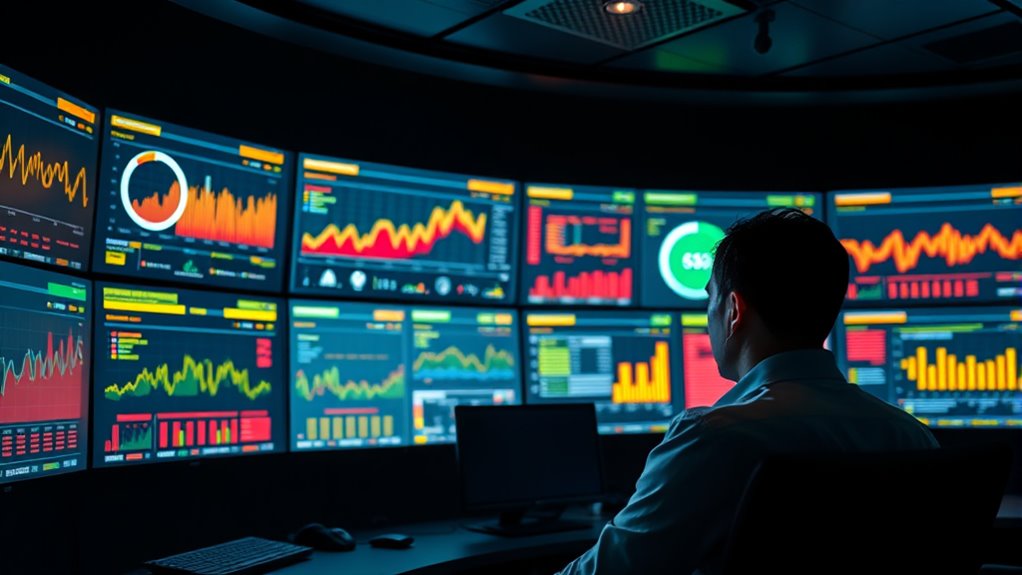
Remote monitoring has become a vital tool for managing systems and assets from a distance, allowing you to track performance, detect issues early, and make informed decisions without being physically present. At the heart of effective remote monitoring are dashboards and alerts that provide real-time insights into your operations. These dashboards compile data from various sensors and systems, presenting it in an intuitive format so you can quickly assess the current state of your assets. But to truly leverage these tools, you need to guarantee the accuracy of the data being displayed. That’s where sensor calibration comes into play. Regular calibration ensures sensors provide reliable readings, which is essential for making accurate decisions based on the data. Improperly calibrated sensors can lead to false alarms or overlooked issues, undermining your monitoring efforts. When sensors are properly calibrated, the data analytics capabilities of your monitoring system can operate at their full potential. Data analytics processes this calibrated data, identifying patterns, trends, and anomalies that might otherwise go unnoticed. By analyzing historical and real-time data, you can predict potential failures before they happen, optimize maintenance schedules, and improve overall system efficiency. Your dashboards should be designed to highlight these insights clearly, with visual cues like color-coded alerts or graphs that help you quickly grasp the situation. Alerts are the proactive component of remote monitoring, notifying you immediately when something deviates from predefined thresholds. These alerts can be customized based on your operational priorities, whether it’s temperature fluctuations, equipment vibration, or power consumption spikes. When an alert is triggered, you can respond swiftly, reducing downtime and preventing costly damage. The combination of well-calibrated sensors, insightful data analytics, and timely alerts creates a resilient monitoring environment. It not only keeps you informed but also empowers you to make proactive decisions that enhance safety, efficiency, and longevity of your assets. Remember, the effectiveness of your remote monitoring system depends on continuous oversight — regularly reviewing sensor calibration and refining alert thresholds guarantees your dashboards remain accurate and reliable. Proper understanding of power consumption and energy management can further optimize your monitoring efforts. By integrating these practices, you maintain the integrity of your data and the effectiveness of your monitoring strategy. Ultimately, the goal is to transform vast streams of data into actionable insights, enabling you to manage your assets with confidence from anywhere. With the right setup, dashboards and alerts become your frontline defense against operational surprises, helping you stay ahead and sustain peak performance at all times.
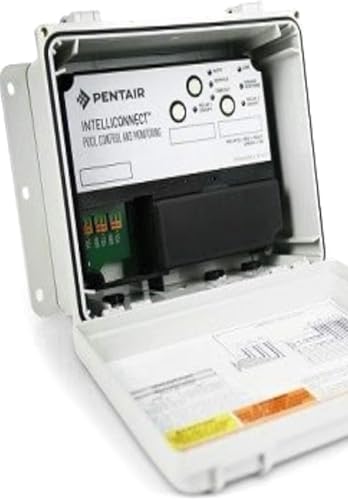
Smart Control & Monitoring System 523317
- Model Number: 523317
- Control Type: Smart Control
- System Type: Monitoring System
As an affiliate, we earn on qualifying purchases.
As an affiliate, we earn on qualifying purchases.
Frequently Asked Questions
How Secure Are Remote Monitoring Dashboards From Cyber Threats?
Remote monitoring dashboards can be quite secure if you implement strong cybersecurity measures. They help protect against cybersecurity vulnerabilities by using data encryption, which guarantees your data stays confidential during transmission and storage. However, you should stay vigilant by regularly updating software, using strong passwords, and monitoring access logs. These steps help minimize risks and keep your dashboards safe from cyber threats, giving you peace of mind in managing your systems remotely.
Can Remote Monitoring Systems Integrate With Existing Enterprise Software?
Yes, remote monitoring systems can integrate with your existing enterprise software. You might face integration challenges, especially around data compatibility, but many vendors offer APIs and middleware to ease this process. Ensuring your systems communicate seamlessly requires evaluating your current infrastructure and selecting solutions that support standard data formats. With proper planning, you can achieve smooth integration, enabling real-time insights and improved operational efficiency.
What Are the Costs Associated With Implementing Remote Monitoring Dashboards?
The costs of implementing remote monitoring dashboards can vary widely, and you’ll want to contemplate all factors carefully. Implementation costs include setup fees, software licenses, and training, while hardware requirements might involve additional sensors or servers. These expenses can add up quickly, but the benefits of real-time insights often outweigh the initial investment. To get a precise estimate, assess your existing infrastructure and specific needs, ensuring you’re prepared for all associated costs.
How Customizable Are Alert Thresholds for Different Metrics?
You have significant threshold flexibility for alert customization, allowing you to set specific alert thresholds for different metrics. This means you can tailor alerts based on your operational needs, ensuring you’re notified only when relevant changes occur. The system supports extensive metric customization, so you can configure alert thresholds precisely, making remote monitoring more effective and aligned with your unique requirements. This customization helps you stay proactive and manage issues promptly.
What Training Is Needed for Staff to Effectively Use Dashboards and Alerts?
You’ll need some training to effectively use dashboards and alerts, focusing on understanding user competency with the system. Basic training should cover maneuvering the interface, customizing alert thresholds, and interpreting data. Advanced training may include setting up automated responses and troubleshooting. Your staff should also practice regularly to build confidence and guarantee they can quickly respond to alerts, maximizing the benefits of remote monitoring.
Conclusion
Imagine a world where your systems are always awake, silently watching over every detail. Dashboards and alerts act like your vigilant eyes, catching issues before they grow. Think of it as having a trusted guardian, constantly alert, ready to jump into action at the first sign of trouble. With remote monitoring, you’re not just reacting—you’re anticipating, safeguarding, and ensuring smooth operations. It’s like having a second set of eyes, always watching, always ready.