Scenes and automations are both tools to control your smart home, but they serve different purposes. Scenes let you manually set a specific mood or configuration with a single tap, voice command, or app, like dimming lights for movie night. Automations run automatically based on rules, such as turning on lights at sunset. If you want a clear picture of how each works and how they can work together, keep exploring these features.
Key Takeaways
- Scenes are manually activated snapshots that instantly set devices to a specific state, while automations run automatically based on conditions.
- Scenes are triggered by user commands or app taps, whereas automations operate silently in the background once conditions are met.
- Scenes provide quick, on-demand control for activities like Movie Night, automations handle routine tasks like turning lights on at sunset.
- Scenes are ideal for immediate mood changes; automations support ongoing home responsiveness without manual input.
- Using both together enhances smart home customization—scenes for instant control, automations for automatic adjustments.
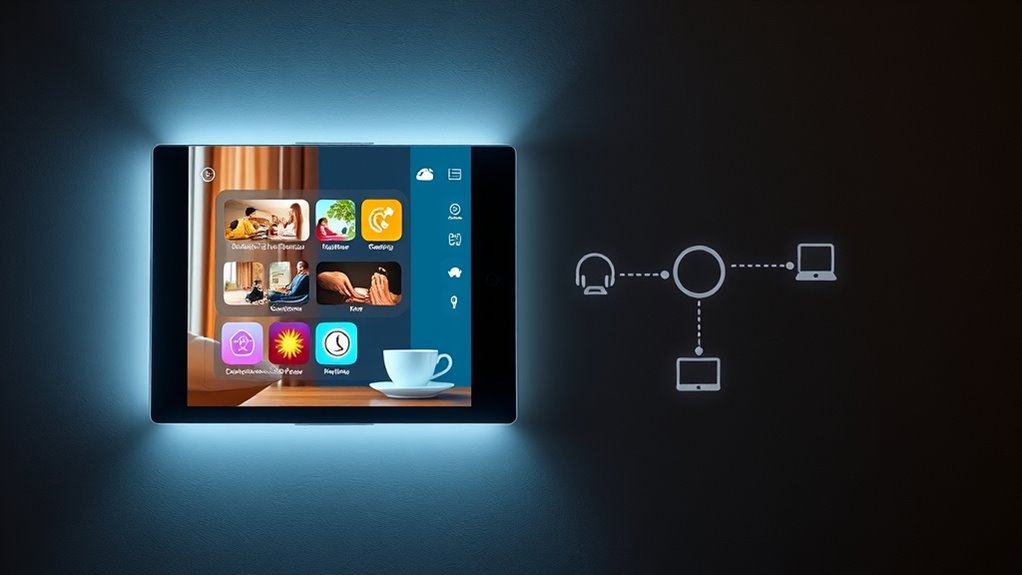
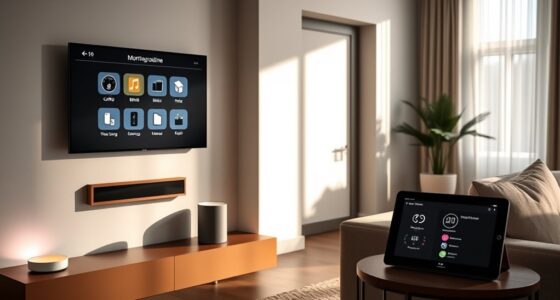
When managing smart home devices, understanding the difference between Scenes and Automations is essential for seamless control. If you’re using smart lighting or relying on voice commands, knowing how these features work can make your experience much smoother. Scenes let you set a specific mood or configuration for your devices with a single tap or voice command. For example, you might create a “Movie Night” scene that dims your smart lights, closes your smart blinds, and turns on your TV. When you activate this scene, everything changes instantly, giving you a tailored environment without fiddling with individual controls. It’s a quick way to customize your space for a particular activity or mood, and you can activate it using voice commands like, “Hey Alexa, activate Movie Night” or through a dedicated app. Additionally, understanding the difference between Scenes and Automations helps you optimize your smart home setup for both immediate and routine control. Automations, on the other hand, are more about setting rules that trigger actions automatically based on specific conditions. Think of automations as your smart system’s way of anticipating your needs. For instance, you could program your smart lighting to turn on gradually at sunset or have your smart thermostat adjust itself when you leave the house. These rules run in the background and require little to no manual intervention once set up. Automations are perfect for routine tasks or creating a responsive environment—say, turning on certain lights when your smart door lock is unlocked or adjusting your lighting and thermostat when motion is detected. This way, your home adapts to your schedule and habits seamlessly.
The key difference lies in control and flexibility. Scenes are designed for immediate, manual activation—think of them as snapshots you can call up whenever you want, often with voice commands. Automations are rules that run automatically, based on conditions you define, making your smart home more intuitive. When you want quick control over your smart lighting, scenes offer a convenient shortcut, especially if you prefer voice commands to set the mood. But if you want your home to respond automatically—like turning on lights when you arrive or turning them off at bedtime—automations do the heavy lifting for you.
Both features complement each other, giving you a versatile way to manage your smart devices. Scenes provide instant, personalized control, often triggered by your voice, while automations handle routine tasks silently in the background. Understanding how each works enables you to craft a smarter, more responsive home environment, reducing manual adjustments and enhancing your overall experience. Whether you want to set the perfect lighting for movie night or have your home automatically adjust to your daily routine, knowing when and how to use scenes and automations makes all the difference.
Top picks for "scen automation difference"
As an affiliate, we earn on qualifying purchases.
Frequently Asked Questions
Can Scenes and Automations Be Used Together Effectively?
Yes, scenes and automations can work together effectively. You can set automations to trigger specific scenes, giving you seamless control over your devices. This approach leverages device compatibility, ensuring your smart home responds exactly how you want. You maintain user control by customizing automations to activate scenes based on time, location, or sensor input. Combining both offers a flexible, intuitive way to enhance your smart home experience.
Which Is More Energy-Efficient: Scenes or Automations?
You’re probably wondering which uses less energy—scenes or automations. The answer depends on your setup, but automations often edge out because they optimize device integration and trigger only when needed. Imagine saving energy without sacrificing comfort—automations can turn off unused devices automatically, reducing energy consumption. Scenes, while convenient, may not be as precise. So, if energy efficiency is your goal, automations are the smarter choice.
Are Scenes Limited to Specific Smart Devices or Brands?
Scenes aren’t limited to specific smart devices or brands, but device compatibility and brand limitations can affect what you can include. Some brands may have restrictions, making certain devices incompatible with existing scenes. Always check your device’s compatibility and the brand’s ecosystem to guarantee seamless integration. While many platforms support a wide range of devices, knowing these limitations helps you create effective scenes that work smoothly across your smart home setup.
How Customizable Are Scenes Compared to Automations?
Scenes offer high user control and are quite customizable, allowing you to tailor device settings across compatible devices easily. You can create personalized environments by adjusting multiple devices simultaneously, making scenes very flexible. Automations, while also customizable, often rely on specific triggers and conditions, limiting some user control. Overall, scenes give you more direct control over device states, especially when considering device compatibility, making them ideal for quick, personalized adjustments.
Can Scenes or Automations Be Scheduled to Run Automatically?
Yes, both scenes and automations can be scheduled to run automatically. You have manual control over when they activate, but they can also be set to trigger at specific times or under certain conditions, allowing for real-time adjustments. This flexibility means you can plan your smart home to operate seamlessly, either on a fixed schedule or dynamically based on your needs, enhancing convenience and automation efficiency.
Conclusion
Understanding the difference between scenes and automations is like knowing when to steer a ship manually and when to set a course on autopilot. Scenes let you quickly create moments, while automations weave these moments into a seamless web of daily life. Mastering both gives you the keys to a smarter home that responds effortlessly to your needs. With this knowledge, you’re not just living in your home—you’re conducting a symphony of comfort and convenience.