Voice assistant routines truly help by automating multiple tasks with a single command, making your daily life more convenient and efficient. You can customize routines to fit your habits, like waking up to lights, coffee, and music or setting evening scenes with dimmed lights and calming sounds. These routines reduce manual effort and keep your smart home seamlessly coordinated. Keep exploring, and you’ll discover even more ways to optimize your routines for your lifestyle.
Key Takeaways
- Automate daily tasks like lighting, temperature, and music to save time and increase convenience.
- Personalize routines based on your habits and schedule for a more intuitive home experience.
- Use triggers such as arriving home or bedtime to activate multiple devices automatically.
- Create customized routines for mornings, evenings, or specific events to enhance comfort and security.
- Continuously optimize routines as your smart home ecosystem expands and your needs evolve.
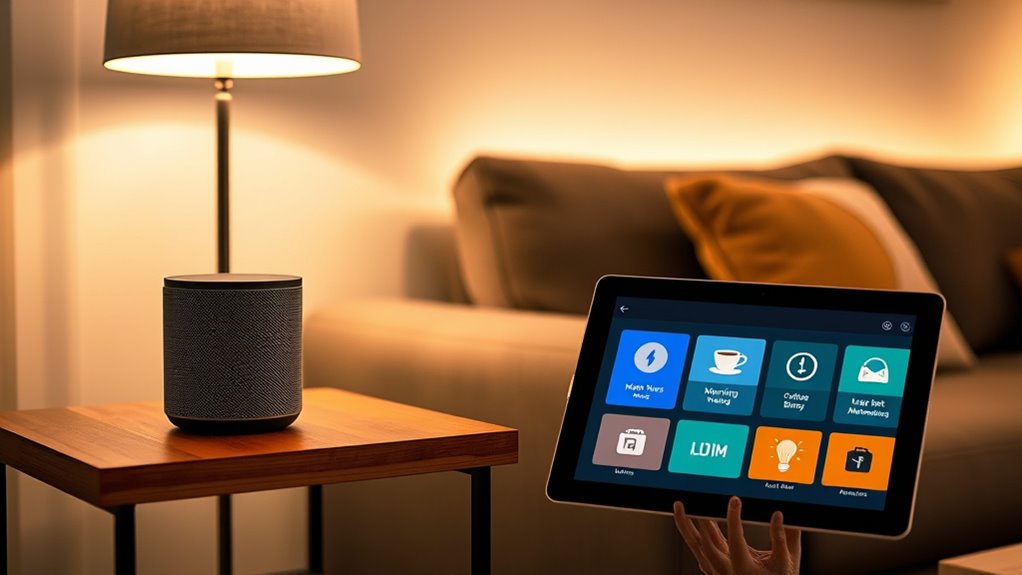
Voice assistant routines let you automate a series of actions with a single command, making your daily tasks more efficient. Imagine waking up and, with one phrase, your smart home springs into action—lights turn on, your coffee brews, and your preferred music starts playing. That’s the power of routines. They allow you to customize your environment to suit your lifestyle, saving you time and effort. By setting up these routines, you create a seamless experience where your voice commands trigger multiple actions at once, rather than having to give each command separately. This is especially useful in a smart home, where various devices work together to enhance your daily life.
Personalization settings are key to making routines truly effective. You can tailor actions based on your habits, preferences, and daily schedule. For example, you might set a routine that adjusts the thermostat, dims the lights, and plays calming sounds when you say, “Good evening.” Or, in the mornings, your routine could turn on the coffee maker, read out your calendar events, and provide weather updates—all with a single phrase. These customization options help make your smart home feel more intuitive and responsive to your needs. The more you personalize your routines, the more natural and helpful they become, reducing the number of steps you need to take to get things done.
Creating routines is straightforward, and many voice assistants offer user-friendly interfaces to guide you through the process. You can combine different actions from various connected devices, giving you control over your entire home environment. For instance, you might combine turning off all your smart lights, locking the doors, and setting your home alarm in one routine before bed. This not only enhances security but also adds a layer of convenience. You can even schedule routines to activate automatically at certain times of day or in response to specific triggers, like arriving home or leaving the house.
Using routines also means you don’t have to remember to activate each device manually. Instead, you set it once, and your voice assistant takes care of the rest. Over time, you’ll discover ways to optimize your routines further, integrating new devices as your smart home ecosystem grows. Personalization settings ensure that each routine aligns perfectly with your lifestyle, making your smart home more than just connected devices—it becomes an extension of you. The ability to automate multiple actions with a single command transforms how you manage your space, making your daily routines smoother and more tailored to your preferences. Additionally, understanding home automation concepts can help you better design and troubleshoot your routines for maximum efficiency.
Frequently Asked Questions
Can Routines Be Customized for Multiple Users?
Yes, routines can be customized for multiple users. With multi-user customization, you can set up personalized routines for each person, ensuring your voice assistant responds appropriately. You just need to link each user’s account and preferences, then create personalized routines tailored to their needs. This way, everyone in your household benefits from a more efficient and personalized experience, making your voice assistant truly work for everyone.
How Secure Are Voice Assistant Routines?
You might be surprised, but voice assistant routines are generally quite secure. About 80% of users trust their routines to keep data safe, thanks to advanced privacy measures. These include data encryption and strict privacy policies, which help protect your information from unauthorized access. However, always stay cautious and review privacy settings regularly, because privacy concerns remain a valid reason for some to hesitate, even with these security perks.
Do Routines Work Offline or Require Internet?
Most routines require an internet connection to work properly because they rely on cloud processing and data. However, some voice assistants offer offline functionality, allowing limited routine customization without internet access. Keep in mind, offline routines are usually less versatile, but they can handle basic commands and local controls. To guarantee your routines work seamlessly, check your device’s capabilities and whether offline mode is supported for your specific setup.
Can Routines Be Scheduled for Specific Days?
Yes, you can schedule routines for specific days. With daily scheduling, you set routines to activate on particular days, like weekdays or weekends. Many voice assistants also support weekly automation, allowing you to plan routines for certain days each week. This way, you automate tasks efficiently, ensuring your routines run exactly when you need them without manual intervention. It’s a great way to streamline your daily and weekly activities.
How to Troubleshoot Routines That Don’T Activate?
When routines don’t activate, don’t throw in the towel just yet. First, check for routine delays or voice command errors—sometimes a simple typo or misspoken command causes trouble. Restart your device and make certain your app and firmware are up-to-date. Double-check your routine triggers and actions for any mistakes. If it still doesn’t work, re-creating the routine can often clear out bugs and get things back on track.
Conclusion
By setting up smart routines, you turn your voice assistant into a trusty sidekick, making daily life smoother and more efficient. Whether it’s a morning wake-up call or winding down at night, these routines help you stay organized without breaking a sweat. Think of it like having your own personal Alfred—minus the tuxedo. So go ahead, customize your routines and let your voice assistant be the Robin to your Batman, saving the day one command at a time.